CRM Lead Intake Automation: From Enquiry to Assigned Task
Automate enquiry intake into your CRM with field validation, duplicate prevention, ownership rules and recovery when connected tools fail.
Quick summary
A complete intake workflow validates the enquiry, checks for duplicates, assigns an owner and records the next action. Use AI for free-text interpretation and explicit rules for routing, permissions and recovery.

CRM lead intake automation connects an incoming enquiry to a checked customer record, a responsible person and a next action. The useful outcome is not simply that a form “integrates with the CRM”. It is that each legitimate enquiry reaches the right place without someone copying details between inboxes and spreadsheets.
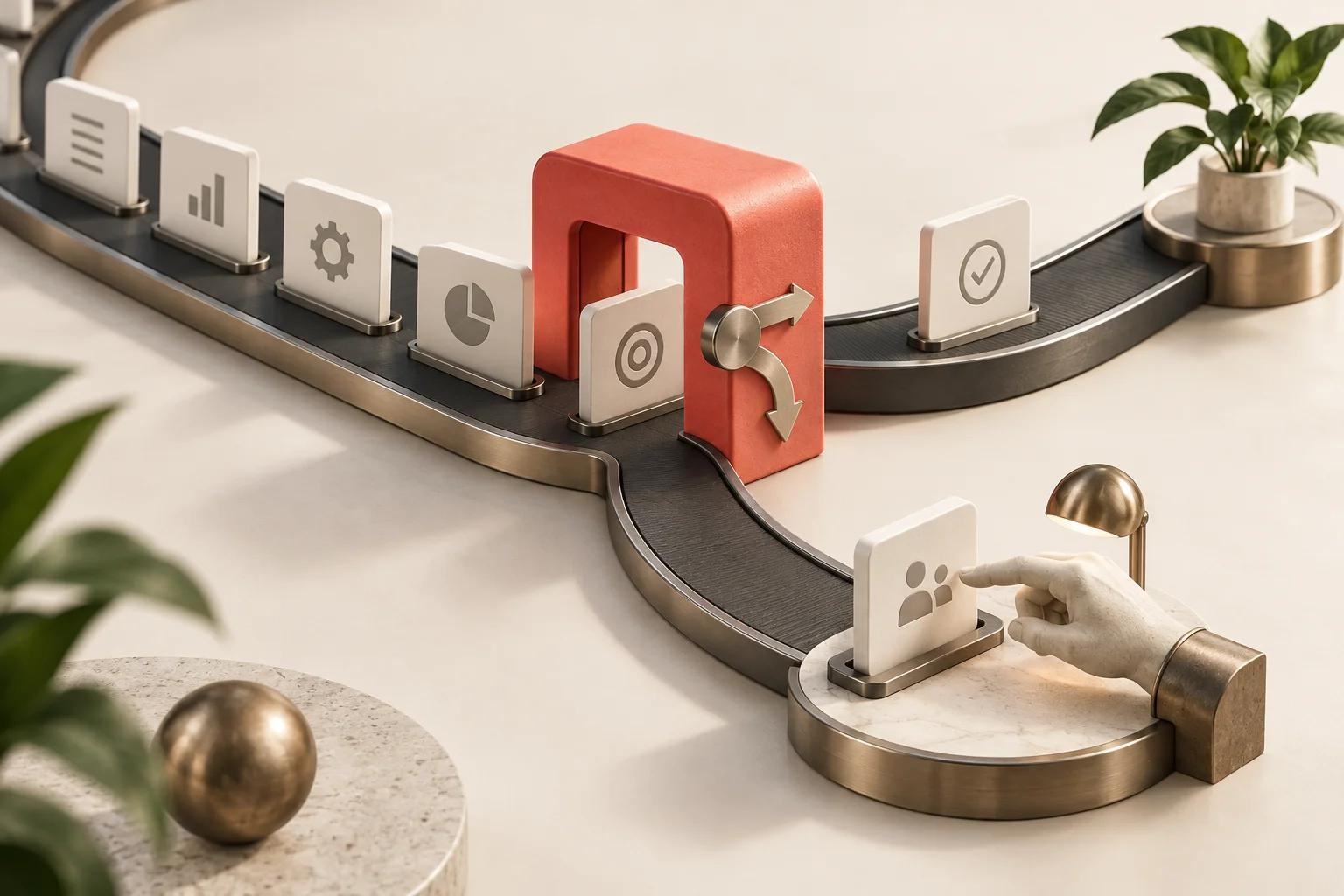
For a service business, a reliable workflow usually follows this sequence: receive the enquiry, validate the input, check for an existing contact, create or update the appropriate record, assign ownership and confirm the handoff. AI can help interpret free text, but many of these steps should follow explicit rules.
Map the handoff before connecting tools
Start with the point at which an enquiry becomes operational work. A website form might need to create a contact and a follow-up task. A returning customer asking about an existing job may need a service ticket instead of a new sales opportunity. Treating both as new leads makes the CRM less useful.
Define what success looks like in business terms. An enquiry should have its original message, a source, a received timestamp, an accountable owner and a next-action deadline. A notification alone is not ownership: if everyone receives it, everyone may assume someone else will respond.
List the systems involved and decide which one owns each important field. The CRM might own the assigned account manager, while a booking system owns appointment availability. Avoid allowing two systems to overwrite the same field without a conflict rule.
Collect the minimum useful information
Ask for enough information to take the next step. Name, a contact route, request type and a short message may be sufficient for an initial enquiry. Requirements differ by business; do not make every field mandatory merely because the CRM has space for it.
Separate contact details from the enquiry itself. One person can submit several requests over time. Keep each request's source and message attached to the correct activity, ticket or opportunity rather than repeatedly overwriting a single contact note.
- Validate required fields before attempting to create a record.
- Keep the original message alongside any extracted summary.
- Record the originating form and event identifier for troubleshooting.
- Preserve the distinction between an unknown value and an empty value.
- Keep contact preferences separate from operational routing rules.
Show customers a truthful submission result. If the website has accepted and stored the enquiry but the CRM is temporarily unavailable, say the enquiry was received. Do not claim that a person has reviewed it or that an appointment is confirmed.
Prevent duplicate contacts and duplicate actions
There are two different duplication problems. The same person can already exist in the CRM, and the same submission can arrive more than once. Solve both explicitly.
For contact matching, prefer the CRM's stable record identifier when it is available. An email address can be a useful matching field, but shared inboxes, changed addresses and incomplete records need review rules. Do not merge records solely because two names look similar. For ambiguous matches, queue the request for a person.
For repeated submissions, store an event identifier and the result of processing it. If the same event is delivered again after a timeout, the workflow should return the existing result rather than creating another task or sending another acknowledgement. This behaviour is often called idempotency.
Connector behaviour varies. HubSpot's data sync documentation describes configurable sync direction and matching behaviour for supported connections. Verify your chosen connector's rules rather than assuming every integration resolves duplicates in the same way.
Use AI for interpretation, rules for commitments
Free-text enquiries rarely arrive in a consistent format. AI can propose a service category, extract a requested date or summarise a long message. Keep the source text visible and require structured outputs with allowed categories.
An enquiry that says “I might be free next Friday” is not a confirmed booking. A message describing a broken item does not automatically authorise a refund. Let the automation prepare information for the next step without turning uncertain language into a business commitment.
For a hypothetical installation company, AI could classify a message as a new installation request and extract a postcode. A fixed routing rule could then assign the enquiry to the relevant regional queue. If the postcode is missing or the category is unclear, the workflow should ask for review instead of inventing a value.
Start with a small category set that the team already uses. Measure how often staff correct each classification. If categories overlap, clarify them before trying a more complex model. The automation audit worksheet helps separate these interpretation steps from ordinary process rules.
Make failures visible and recoverable
A workflow is incomplete if it only works when every connected tool is healthy. Connections expire, services become unavailable and field definitions change. Store accepted enquiries durably before relying on downstream systems to finish processing them.
Use limited retries for temporary failures. Repeatedly retrying a permanently invalid field will not fix it. Move unresolved requests into an exception queue with a clear owner, the original input and the last error. Give staff a way to repair and replay the request without duplicating completed actions.
Track each stage independently. A CRM record might be created successfully while task assignment fails. Replaying the entire workflow without checking that state could create a second record. Preserve the successful result and retry only the incomplete step when possible.
Test the customer journey end to end
Submit examples through the actual entry point in a test environment. Confirm what the customer sees, what the CRM contains and what the assigned person receives. Checking only the connector's success message misses important failures.
- A new enquiry creates the expected record and one follow-up task.
- A known contact gets a new enquiry activity without losing existing details.
- A repeated event does not create another task or acknowledgement.
- Missing information reaches the correct review queue.
- A destination outage preserves the enquiry for later processing.
- An unrecognised category reaches a default owner rather than disappearing.
- A staff member can find the original message and processing history.
Agree what happens outside working hours. Assignment can happen immediately, while a human reply may wait until the next staffed period. The acknowledgement should reflect that operating model.
Measure completed handoffs
Track the share of accepted enquiries that reach an owned record, time to assignment, duplicate rate and exception backlog. Separately measure time to first meaningful response. An instant automated receipt is useful, but it should not be counted as a staff reply.
Review a sample of records after launch. Look for incorrect categories, missing context and tasks assigned to unavailable people. Use those findings to update rules before adding more channels or autonomous actions. A dependable single-channel workflow is a better foundation for expansion than a larger workflow with hidden gaps.
Frequently asked questions
Do we need a custom CRM?
Not necessarily. If your existing CRM supports the required records and integrations, configure the intake around it. Consider custom work when the underlying process cannot be represented cleanly. Our Kreatrs Flow overview introduces a workflow-led approach to CRM design.
Can this include email enquiries as well as website forms?
Yes, provided the system can access the mailbox appropriately and distinguish enquiries from unrelated messages. Email adds ambiguity, attachments and conversation threading, so test it as a separate input channel before combining it with an established form workflow.
What should an implementation quote include?
Ask for field mapping, matching rules, assignment logic, failure recovery, monitoring and ownership documentation. See Kreatrs AI automation services or send us your current enquiry process to discuss a scoped integration.

Kreatrs Editorial
Kreatrs Media Team
Read more articles by Kreatrs Editorial on Kreatrs.
Related Blogs

AI Customer Support: Design a Reliable Human Handoff
Sep 26, 2026
Design AI customer support with clear escalation rules, useful conversation context and a reliable handoff to your human support team.
AI Automation Audit: Choose Your First Business Workflow
Sep 26, 2026
Choose your first AI automation workflow with a practical audit worksheet, cost example and pilot checklist for small business operations.
ATS-Friendly Resume Builder: Meet Rezyume
Sep 26, 2026
Rezyume is Kreatrs’ ATS-friendly resume builder. Draft resume, cover letter and portfolio from one profile, score against the job, export PDF or DOCX.