CRM Built Around Your Workflow: Meet Kreatrs Flow
Kreatrs Flow is a CRM built around your workflow—not a rigid template. Custom fields, pipeline views, and a ready handover. See the product page or live demo.
Most CRMs ask you to bend first. You get a fixed set of fields, a pipeline shape that almost fits, and a long DIY setup before the team stops fighting the screens.
Kreatrs Flow is the other way round. It is a CRM built around how your team already works — configured to your process, with the fields and layouts you need, then handed over ready instead of left as a blank template. Status on the Kreatrs product page: live. The live product site is at crm-website-beta.vercel.app.
The usual CRM problem (you adapt to the tool)
Off-the-shelf tools are fine until you notice half the form fields nobody touches, stages that do not match how you actually move a deal, and a setup week that turns into a setup month.
That is the pain Kreatrs Flow is aimed at: rigid templates, unused clutter, and DIY configuration that eats time before the CRM is useful. The pitch is simple — shape the system around the sales process you already run, not the other way around.
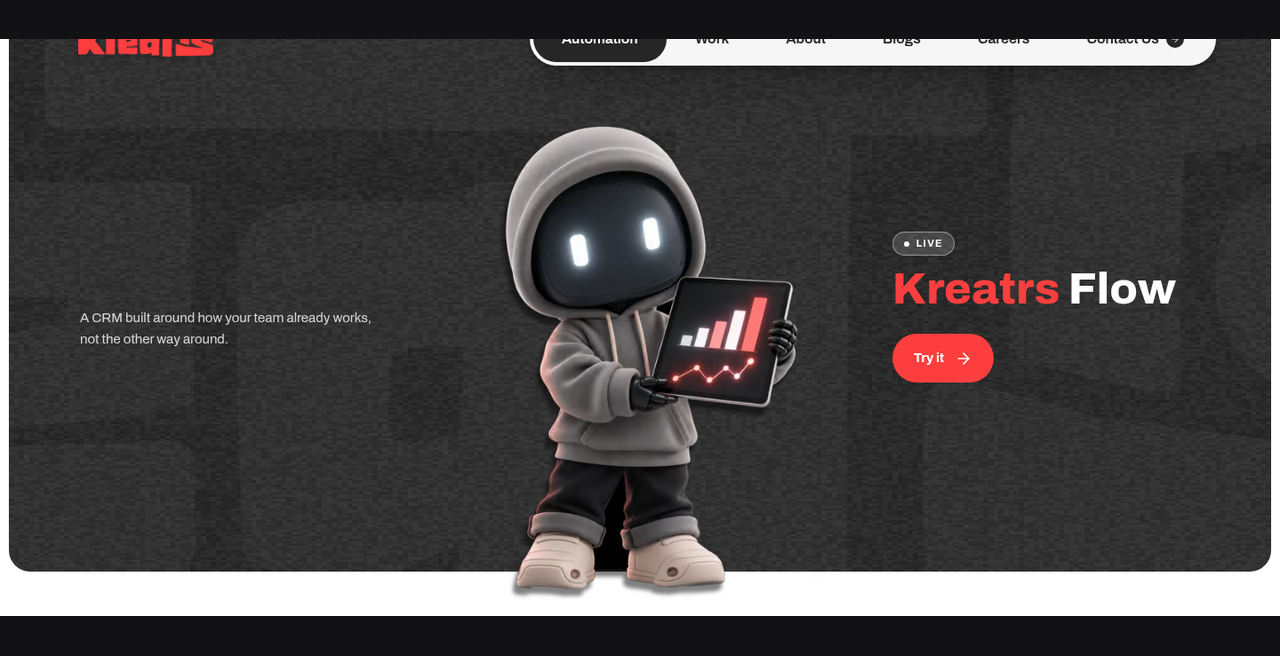
A CRM built around how your team already works, not the other way around.
What Kreatrs Flow is
On kreatrs.com/products/kreatrs-flow, Flow is described as a live CRM product from Kreatrs. The short version:
- Built around your workflow — configured to match how your team already sells, not a generic template.
- Only the fields you need — screens match the process, not a rigid default schema.
- Handed over ready — configured and working, instead of leaving setup to trial and error.
The marketing site frames the same idea as a custom CRM for your sales process: pipeline views, contacts, automation, reports, tasks, roles, integrations, and custom fields — tailored rather than bolted on later.
How it is set up (three ideas)
You do not need a feature dump to get the shape of it.
- Start from your process — stages, fields, and layouts follow how deals already move, not a one-size board.
- Keep the surface small — drop the unused clutter so people see what they need on a deal or contact.
- Get a working system — onboarding is framed as configuration and handover, not “here is an empty CRM, good luck.”
Full product detail lives on the Kreatrs Flow product page. You can also browse the live CRM site for the current marketing and feature walkthrough.
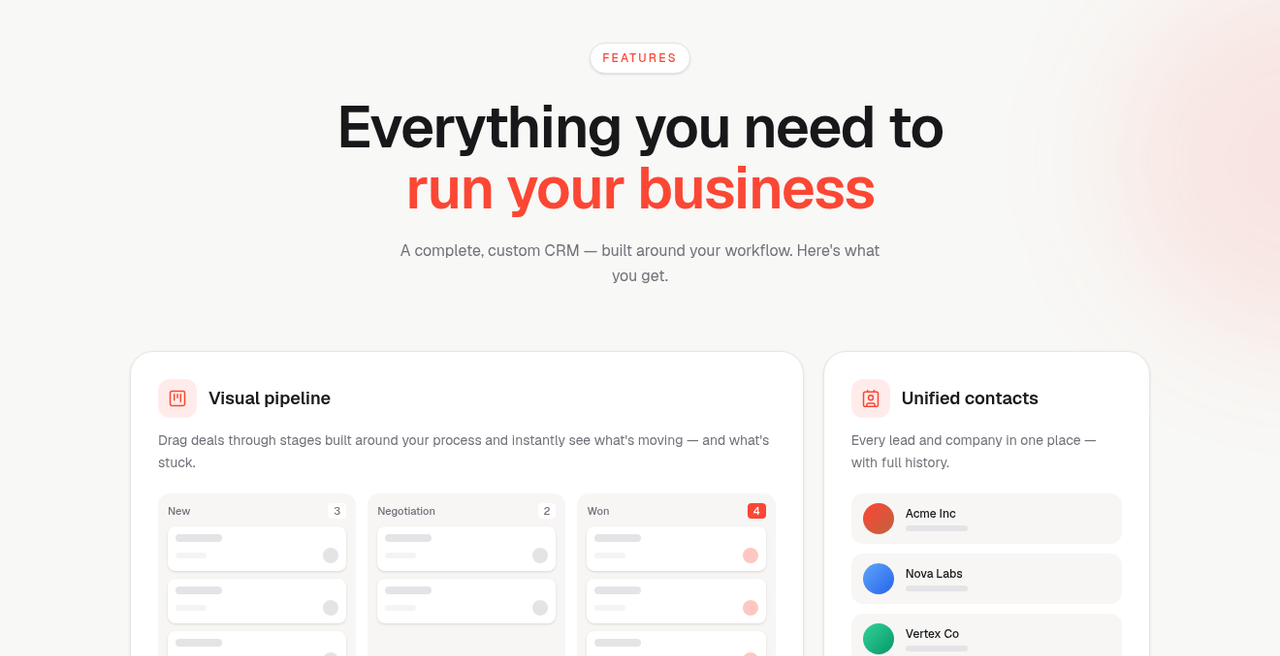
Pipeline stages and contacts shaped around the process — not a fixed template.
What you get in the product
The product page lists four pillars. The live features page shows the UI pieces that sit under them. Below is descriptive — what the product surfaces look like — not a results claim.
Clarity and a visual pipeline
One structured view of pipeline health, performance, and upcoming opportunities. On the features page that shows up as a visual pipeline: drag deals through stages built around your process and see what is moving versus stuck. Stages are yours to define; the board is there so the team shares one picture of the pipeline.
Contacts, tasks, and the whole team
Unified contacts keep leads and companies in one place with history. Tasks and reminders cover follow-ups so they do not live in someone’s head. Shared inboxes, assignments, and activity are called out so the whole team stays aligned on a deal — not just the person who last typed a note.
Roles and permissions sit next to that: give each member the access they need (admin, sales, and similar role splits on the features UI).
Custom fields and layouts
This is the “custom CRM for your sales process” part in practice. Shape records, fields, and screens to match how the business works — company size, industry, plan tier, renewal date, or whatever your process actually tracks — instead of living with a rigid default schema.
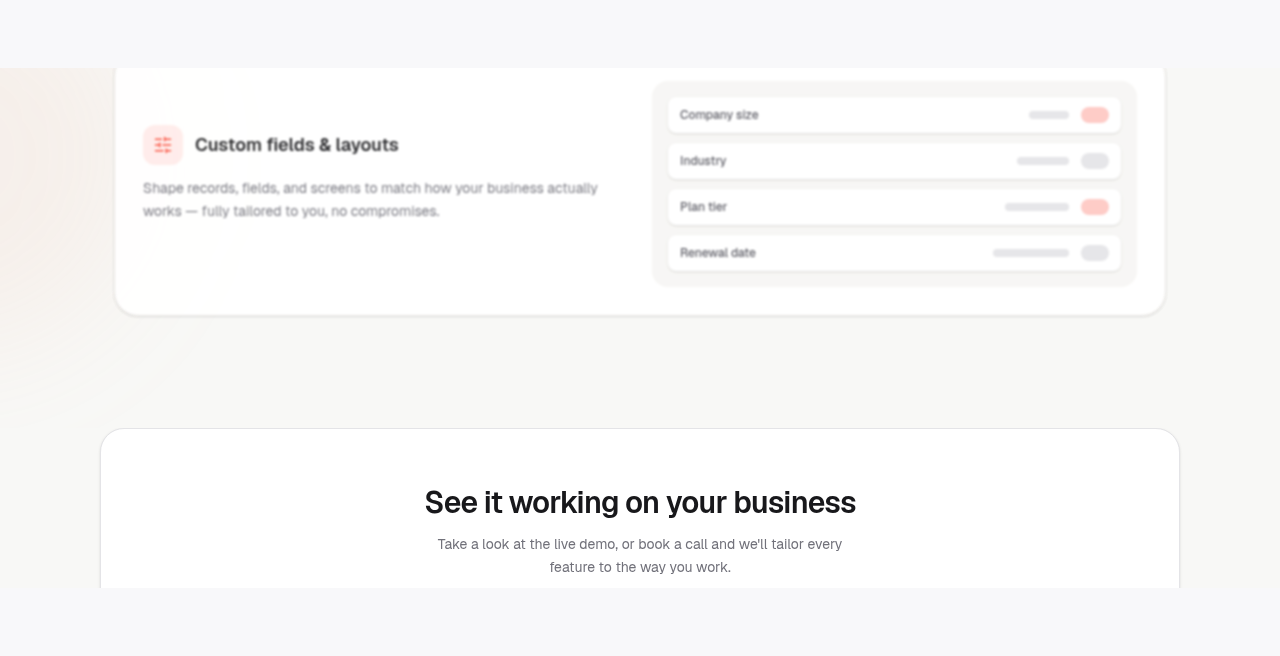
Fields and screens that match the business — toggled to what you actually use.
Sync, automation, reports, and security
Real-time sync: pipeline, contacts, and reports update when something changes, not only after a refresh. Automation covers things like auto-assigning leads and triggering follow-ups. Reports and analytics are framed as live dashboards on pipeline health, revenue, and team performance — answers without exporting to a spreadsheet first. Email and integrations connect tools you already use so data can sync in.
Secure by default on the product page: end-to-end encryption and granular permissions as a starting point, not an add-on.
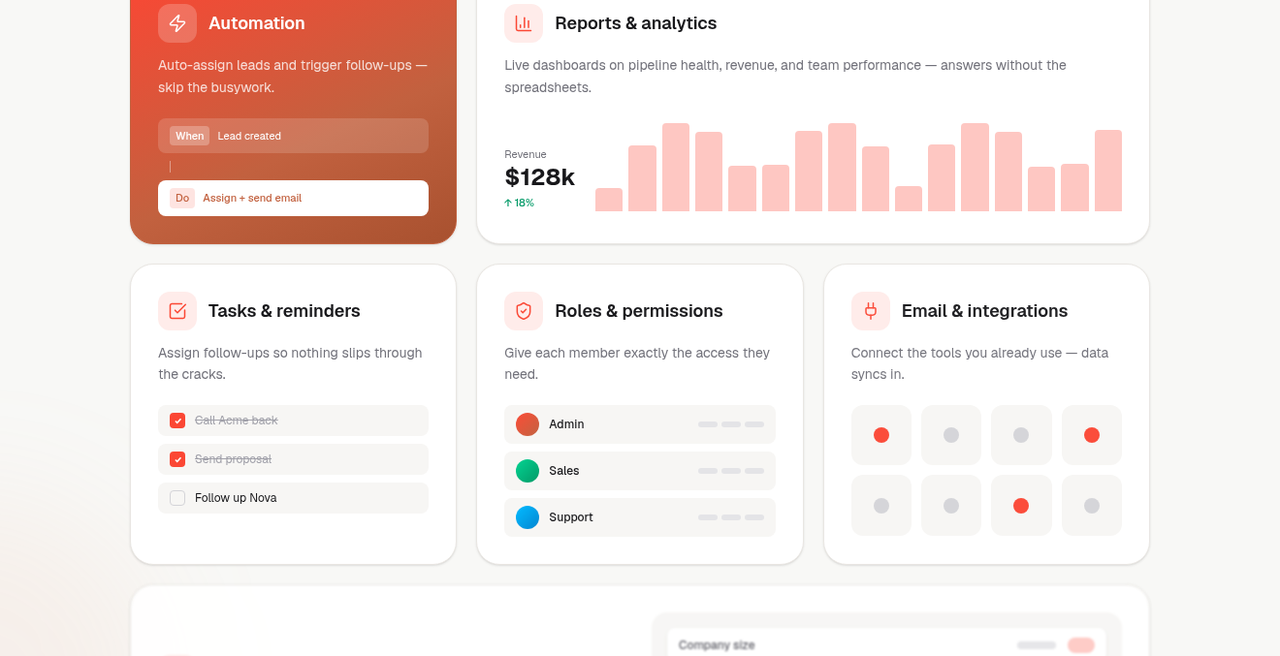
The day-to-day layer: automation, dashboards, tasks, roles, and integrations.
Who it is for
Teams that already have a sales process and do not want to rebuild it to please a template CRM. If you care about a pipeline CRM for your team, custom fields that match real deals, and a handover that arrives working, Flow is aimed at that brief.
It is not “install and invent your process from a blank slate.” The product story is configuration around how you sell today.
Getting started
- Read the overview on kreatrs.com/products/kreatrs-flow.
- Browse the live product site at crm-website-beta.vercel.app (features and how-it-works included).
- Questions or a tailored setup: info@kreatrs.com or the contact page.
FAQ
What is Kreatrs Flow?
Kreatrs Flow is a CRM from Kreatrs built around how your team already works. It is configured to your process, limited to the fields you need, and handed over ready rather than left as a generic template.
How is this different from a template CRM?
The fields, automation, and onboarding are built around your actual process instead of asking you to adapt to a generic one.
What happens as we grow?
The product page says it is built to stay fast and predictable from the first lead to millions of records, with no per-seat pricing creep.
Is there a live demo?
Yes. The live product site is at crm-website-beta.vercel.app. Product context and FAQs also live on kreatrs.com/products/kreatrs-flow.
Does it replace how we sell today?
No — the point is the opposite. Flow is meant to match the way you already sell, with screens and fields that follow that process.
What features does it include?
From the product page: clarity and control over the pipeline, real-time sync, security defaults, and team alignment (shared inboxes, assignments, activity). The live features page also walks visual pipeline, unified contacts, automation, reports, tasks, roles, email/integrations, and custom fields and layouts.
Want a CRM built around your workflow? Start on the Kreatrs Flow product page, or open the live CRM site to see the current product walkthrough. Questions: info@kreatrs.com.

Kreatrs Editorial
Kreatrs Media Team
Read more articles by Kreatrs Editorial on Kreatrs.
Related Blogs

What do AI automation agencies do? (UK SME explainer)
Sep 20, 2026
Plain-English explainer for UK SMEs: what an AI automation agency builds, how engagements usually run, workflow vs chatbot vs internal tools, and ownership questions that matter.

Email in WhatsApp: Manage Gmail & Outlook from Chat
Sep 17, 2026
MailOnChat puts Gmail and Outlook in WhatsApp. Draft, review, send, and get a daily inbox summary—no extra app. Outlook live; Gmail invite-only for now.

Navigating Content Hubs for Enhanced SEO
Jun 27, 2026
Discover how content hubs can boost your SEO strategy by organizing related content into a cohesive structure that improves user experience and search visibility.