Email in WhatsApp: Manage Gmail & Outlook from Chat
MailOnChat puts Gmail and Outlook in WhatsApp. Draft, review, send, and get a daily inbox summary—no extra app. Outlook live; Gmail invite-only for now.
Quick summary
Email is where the real replies live. WhatsApp is where you already are. That gap is why a thirty-second answer waits until tonight — because opening the inbox usually means a laptop, a browser, and forty messages you did not ask for.
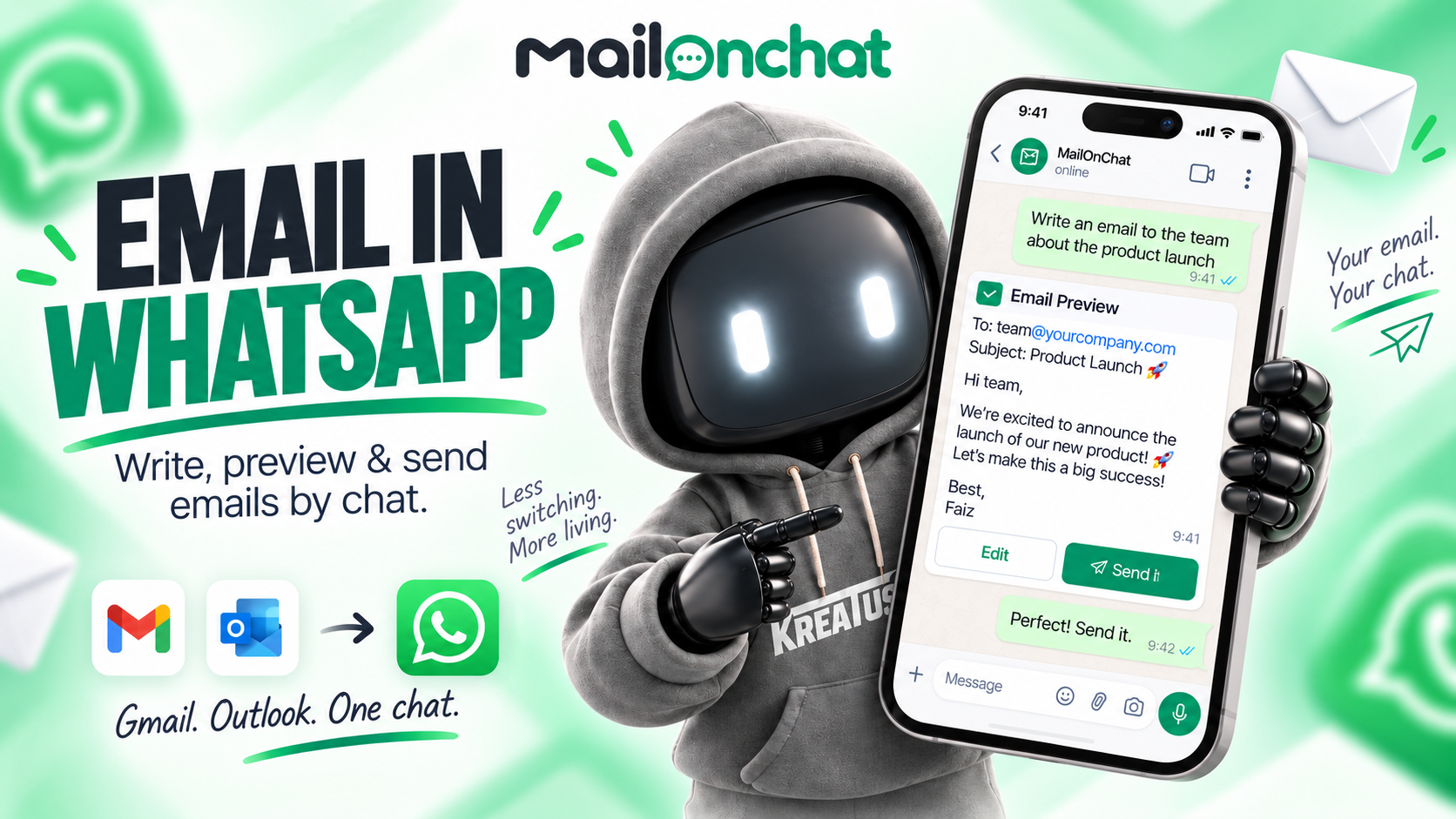
Email is where the real replies live. WhatsApp is where you already are. That gap is why a thirty-second answer waits until tonight — because opening the inbox usually means a laptop, a browser, and forty messages you did not ask for.
MailOnChat is a WhatsApp email assistant from Kreatrs. It connects your Gmail or Outlook mailbox and lets you read, draft, send, and schedule mail from the chat you already check. No new app to install. Your normal mail app keeps working.
Outlook connects now. Gmail is invite-only while Google finishes verifying the app (test users only for now). If you want in on Gmail, request an invite on the site or write to info@kreatrs.com.
Why put email in WhatsApp?
Most of us do not abandon email because we hate it. We abandon it because the cost of opening it mid-day is high. You are walking, in a meeting, or juggling kids and a bag — and WhatsApp is already in your hand.
MailOnChat does not replace Gmail or Outlook. It sits beside them. When the phone is closer than the laptop, you handle the mailbox from one conversation instead of hopping between apps to copy, paste, and send.
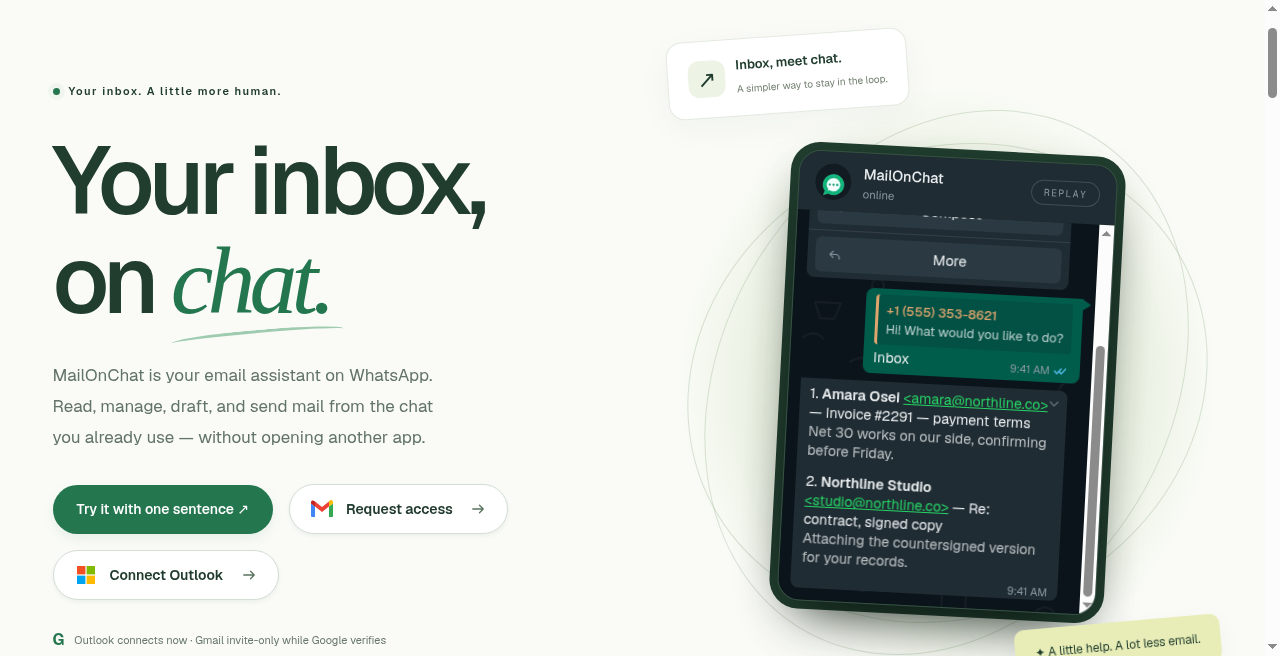
Your inbox, on the chat you already open.
How MailOnChat works (three steps)
Setup is short. After that, it is just messages.
- Connect a mailbox — Sign in to Gmail or Outlook once. MailOnChat reads and sends through your real mailbox. Nothing is moved, archived, or deleted behind your back.
- Pair WhatsApp — You get a six-digit code. Text it to the bot. Your WhatsApp number is locked to that account, so another number cannot reach your mail.
- Chat like normal — Ask for your inbox, draft a reply, attach a photo or PDF, or schedule a daily summary. Every outbound email comes back as a preview first.
Full product detail lives on the MailOnChat product page. The live product is at mailonchat.com.
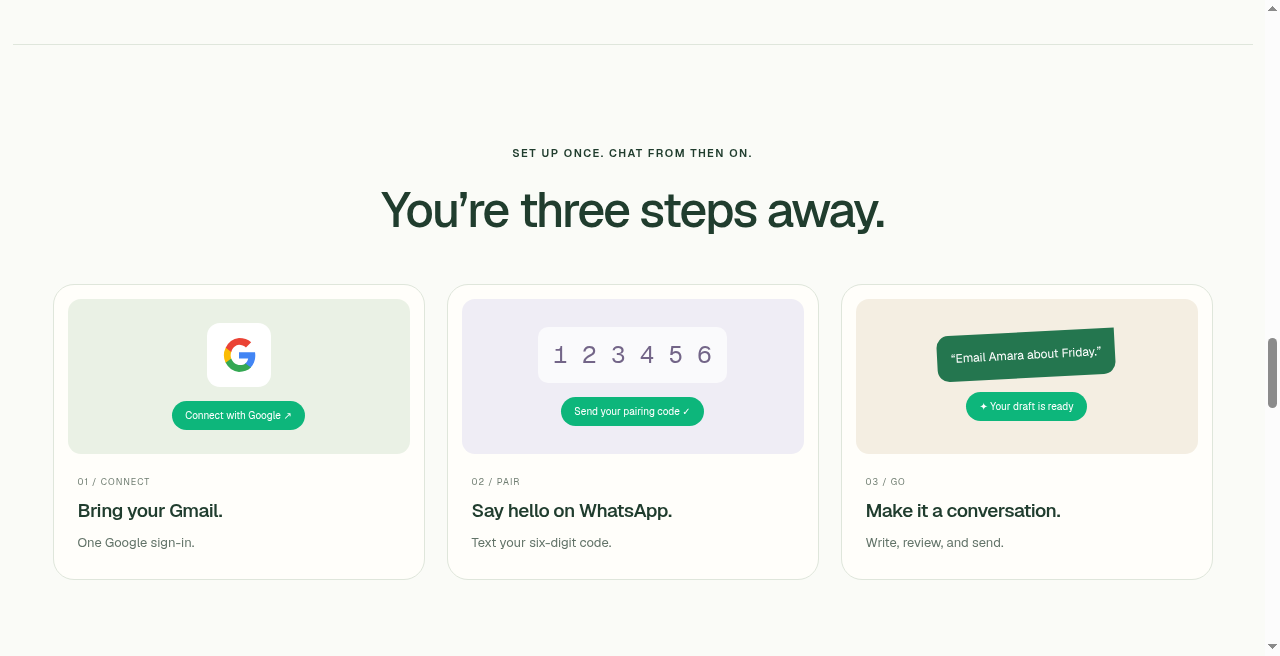
Connect once, pair with a code, then treat email like a conversation.
What you can do from the chat
Write naturally — or send a voice note
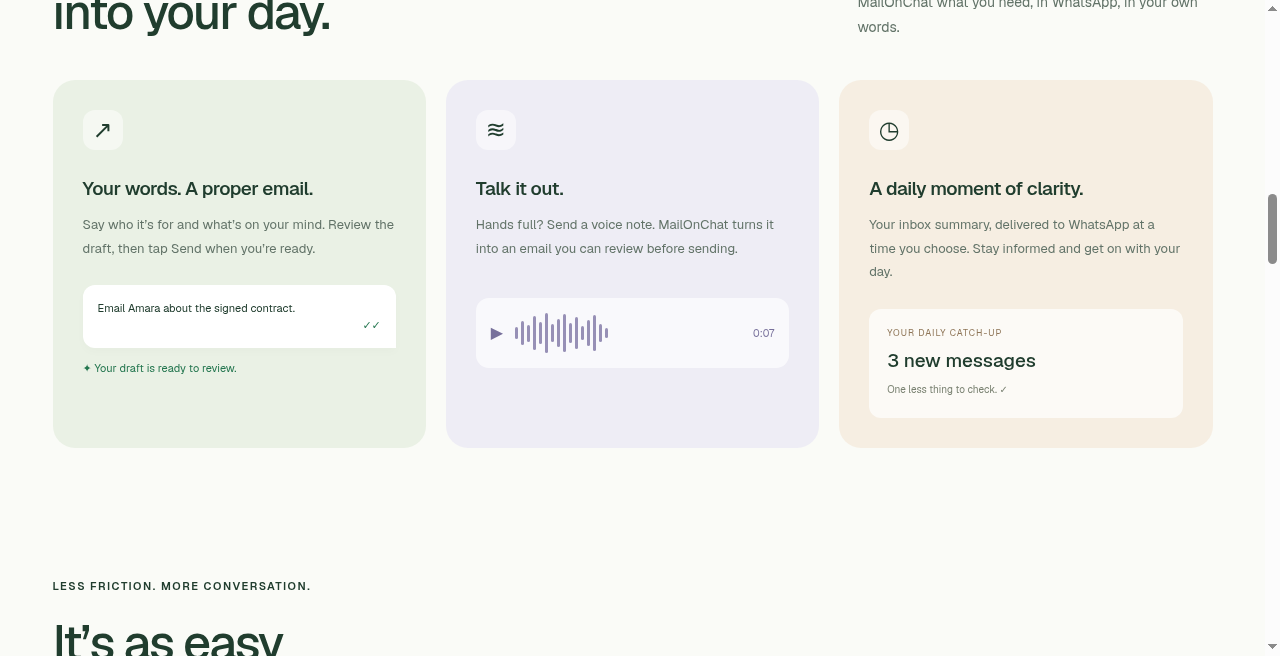
Type who it is for and what you mean. MailOnChat drafts a proper email. Prefer talking? Send a voice note. Speech is transcribed, including spoken addresses — “faiz at northline dot co” becomes faiz@northline.co. You still see the written draft before anything goes out.
You say what you mean; you review the result. No extra drafting app in the middle.
Review before send (always)
Every draft comes back with Send and Discard. Nothing leaves your mailbox until you tap Send. Only the newest preview can be sent, so an old draft cannot fire by accident. Daily summaries are the only automatic push, and those run on a schedule you choose.
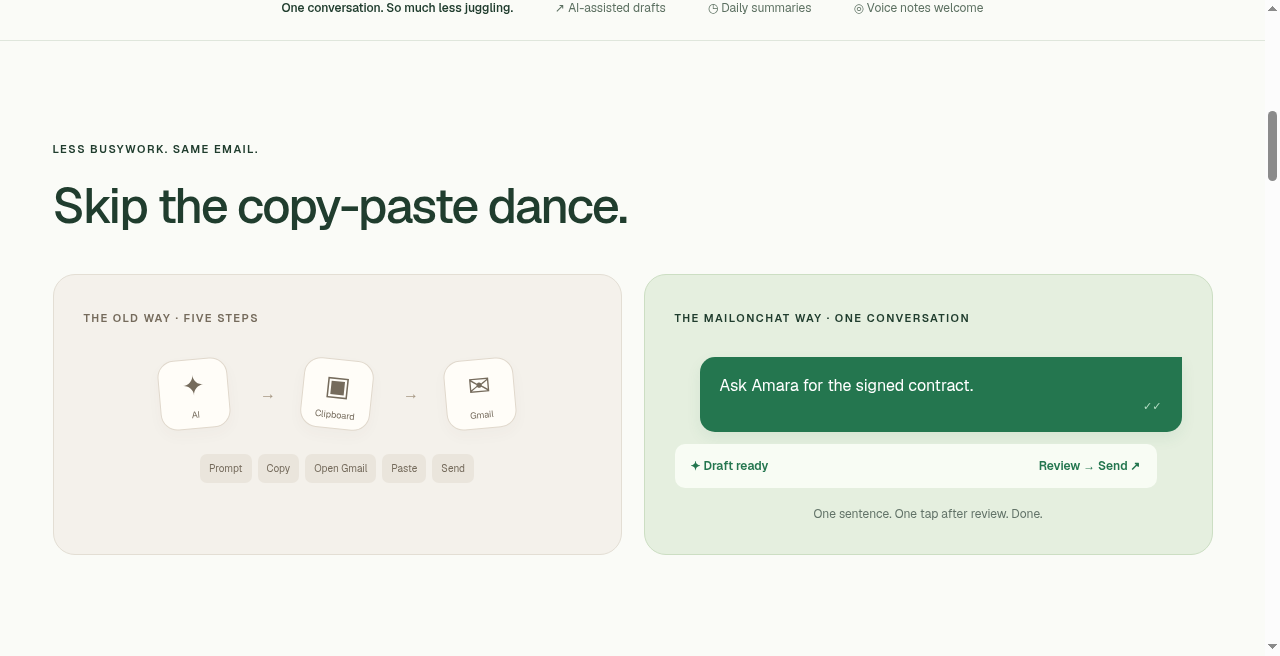
One conversation. Draft, review, send — or discard.
Attachments from chat
Share a photo or PDF in WhatsApp with a caption describing the email. It becomes the attachment on the message you just asked for. Handy when someone needs a quick scan of a receipt, a signed page, or a screenshot.
Inbox on demand and reply by number
Say something like “show me my inbox.” You get recent messages, numbered. Then “reply 2” answers the second one without opening another app. Useful when you only need the latest few threads, not a full desktop session.
Daily email summary on WhatsApp
Tell it when you want the catch-up — for example “schedule 8pm” — and a daily inbox summary lands in WhatsApp in your timezone. Turn it off with a message when you do not need it. One less ritual of opening mail just to see if anything urgent landed.
Gmail and Outlook, switchable
Connect both if you use both. A message switches which mailbox is active; mail sends from the one you picked. A wrong switch can be undone. Outlook WhatsApp email works today without an invite. Gmail needs a seat as a Google test user until verification finishes.
Contacts by name
Save a name against an address once, then write to the name. Less fiddly typing of full addresses on a phone keyboard.
Paired to you alone
Your WhatsApp number is paired to your account. Messages from any other number get no access. Media from an unpaired sender is never downloaded.
Nothing sends until you tap Send on the newest preview.
Who it is for
Anyone who wants to manage email in WhatsApp — on the move, between meetings, or simply because chat is where attention already is. If Outlook is your day-to-day mailbox, you can start now. If you are on Gmail, request early access and wait for a test-user seat.
It is not a full mail client replacement. It is the short path for the replies that would otherwise wait until you are back at a desk.
Built for real mailboxes (not a toy layer)
Under the hood, MailOnChat uses Next.js and TypeScript, WhatsApp Business Cloud API, Gmail API, Microsoft Graph, PostgreSQL, Groq (LLM + Whisper), NextAuth, and Vercel Cron. That stack matters less than the rule it enforces: your mailbox stays yours, and send always needs your tap.
Getting started
- Go to mailonchat.com.
- Outlook / Microsoft 365 — connect and pair WhatsApp with the six-digit code.
- Gmail — request an invite. Only approved test users can connect while Google verifies the app; you may still see Google’s unverified-app warning. Continue only if you trust the developer. Revoke access anytime in your Google account connections.
- Questions or invite help: info@kreatrs.com.
More context and FAQs: kreatrs.com/products/mailonchat.
FAQ
What is MailOnChat?
MailOnChat is an email assistant for WhatsApp. Connect Gmail or Outlook, pair WhatsApp with a six-digit code, and manage your inbox from the chat you already use — read, draft, send, attach files, and schedule a daily summary.
How do I manage Gmail from WhatsApp?
Request early access, wait until your Gmail address is added as a Google test user, then sign in, text the pairing code, and use chat commands (inbox, compose, reply, and so on). Review every draft before it sends. Outlook connects without that invite step.
Why is Gmail invite-only?
Google has not finished verifying MailOnChat’s Gmail permissions, so only approved test users can connect. Request access on the site and you will be added when a seat is available. Outlook and Microsoft 365 connect straight away.
Can it send email without me seeing it first?
No. Every email comes back as a preview with Send and Discard. Nothing leaves your mailbox until you tap Send. Only the newest preview can be sent. Daily summaries are the only automatic messages, on a schedule you set.
Does it replace Gmail or Outlook?
No. MailOnChat sits alongside your existing mail apps. Use whichever is nearer — which is often the phone already in your hand.
Which inboxes does it work with?
Gmail and Outlook. You can connect both and switch which one is active with a message. Mail sends from the mailbox you picked.
Does voice input work for email?
Yes. Send a voice note and it is transcribed into the request, including spoken email addresses. You still review the written draft and tap Send yourself.
What if someone else messages the bot?
Your WhatsApp number is paired to your account. Other numbers get no mailbox access, and media from unpaired senders is never downloaded.
Ready to try email in WhatsApp? Outlook users can start at mailonchat.com. Gmail users — request an invite there, or email info@kreatrs.com. Product overview: MailOnChat on Kreatrs.

Kreatrs Editorial
Kreatrs Media Team
Read more articles by Kreatrs Editorial on Kreatrs.
Related Blogs

Navigating Content Hubs for Enhanced SEO
Jun 27, 2026
Discover how content hubs can boost your SEO strategy by organizing related content into a cohesive structure that improves user experience and search visibility.

Boosting Engagement with Dynamic Web Design Techniques
Jun 26, 2026
Explore innovative web design techniques to enhance user engagement.

Leveraging Serverless Architecture for Site Performance
Jun 24, 2026
Explore how serverless architecture boosts website speed and scalability.