You're out somewhere. The one email that needed an answer today is sitting in your inbox, and you're not getting the laptop out to deal with it.
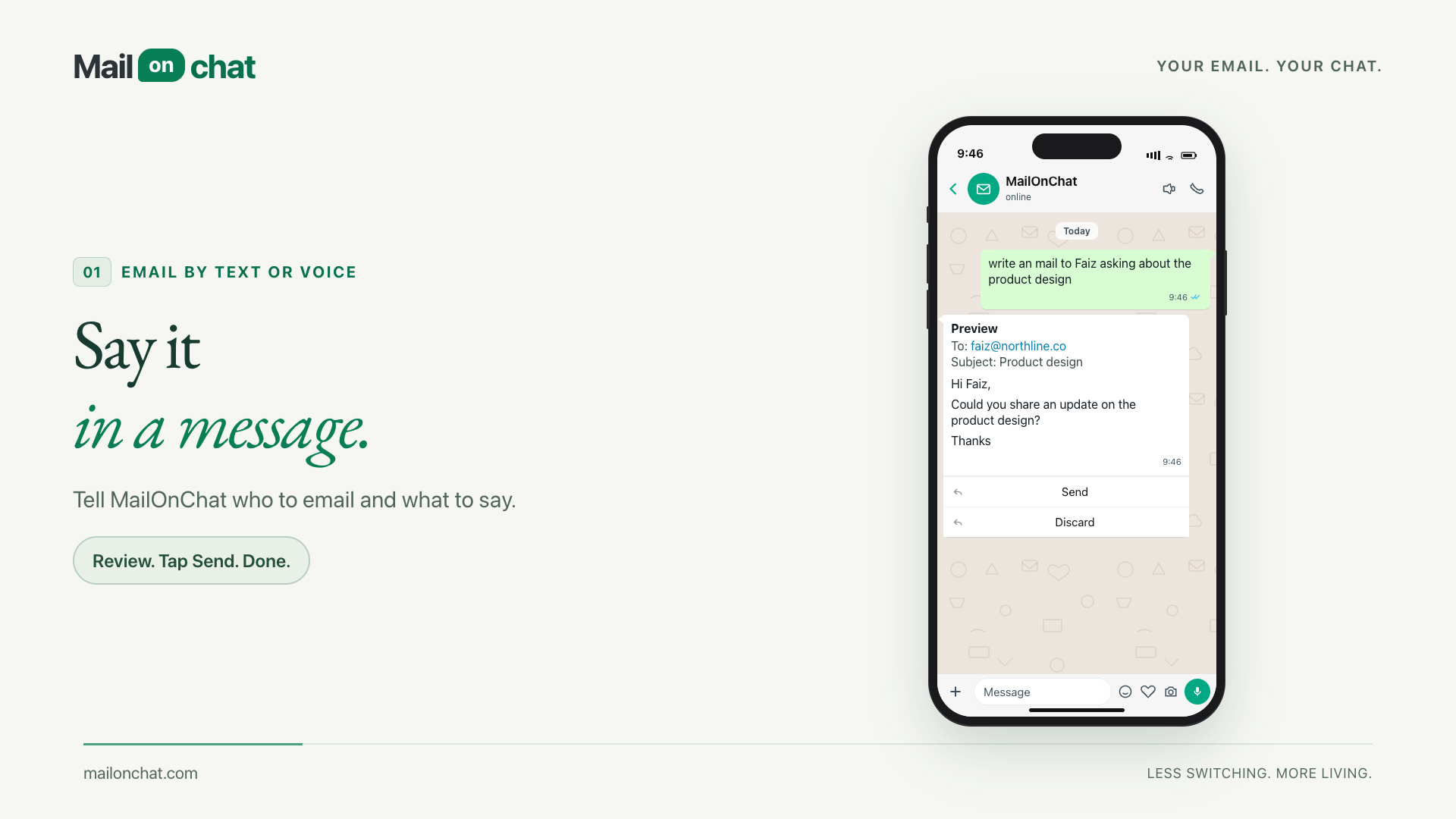
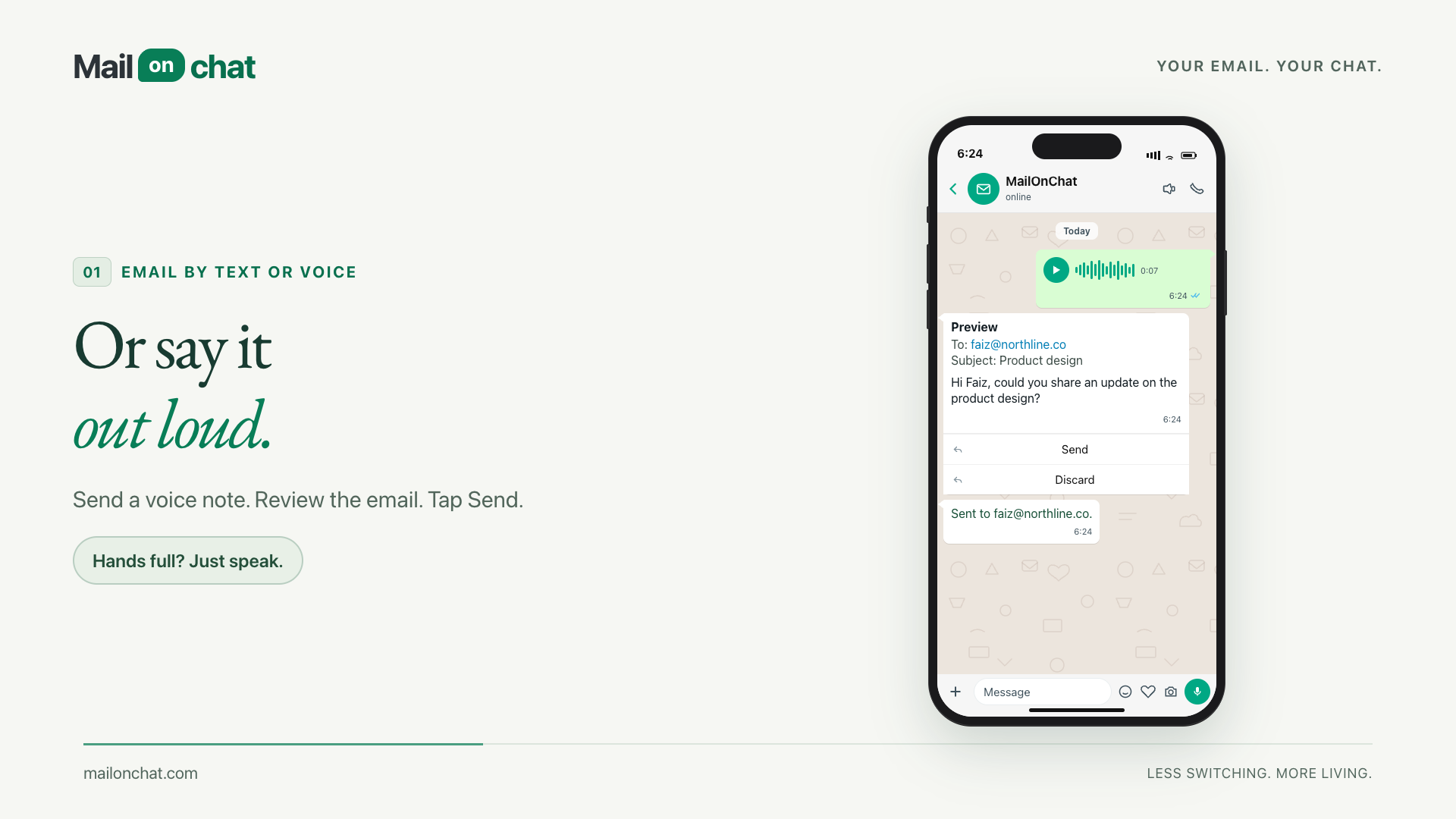
So deal with it in WhatsApp. Ask what's come in. Tell it what to say back. Send a voice note if you're driving. It writes the email and shows you before anything happens.
It won't send until you tap Send.


The problem
Email is where the actual agreements happen, and it is the one app you stop checking the moment you leave the desk. The reply that would take thirty seconds waits until tonight, because opening it means a laptop, a browser, and forty messages you never asked to see.
WhatsApp is already open. It is already on the phone in your hand, and you already answer it within the minute. MailOnChat puts the mailbox behind that same thread, so the thirty-second reply takes thirty seconds.
How it works
- 1
Connect a mailbox
Sign in to Gmail or Outlook once. MailOnChat reads and sends through your real mailbox, and nothing is moved, archived or deleted. Your WhatsApp number is paired to that account, so no other number can reach it.
- 2
Ask in the chat
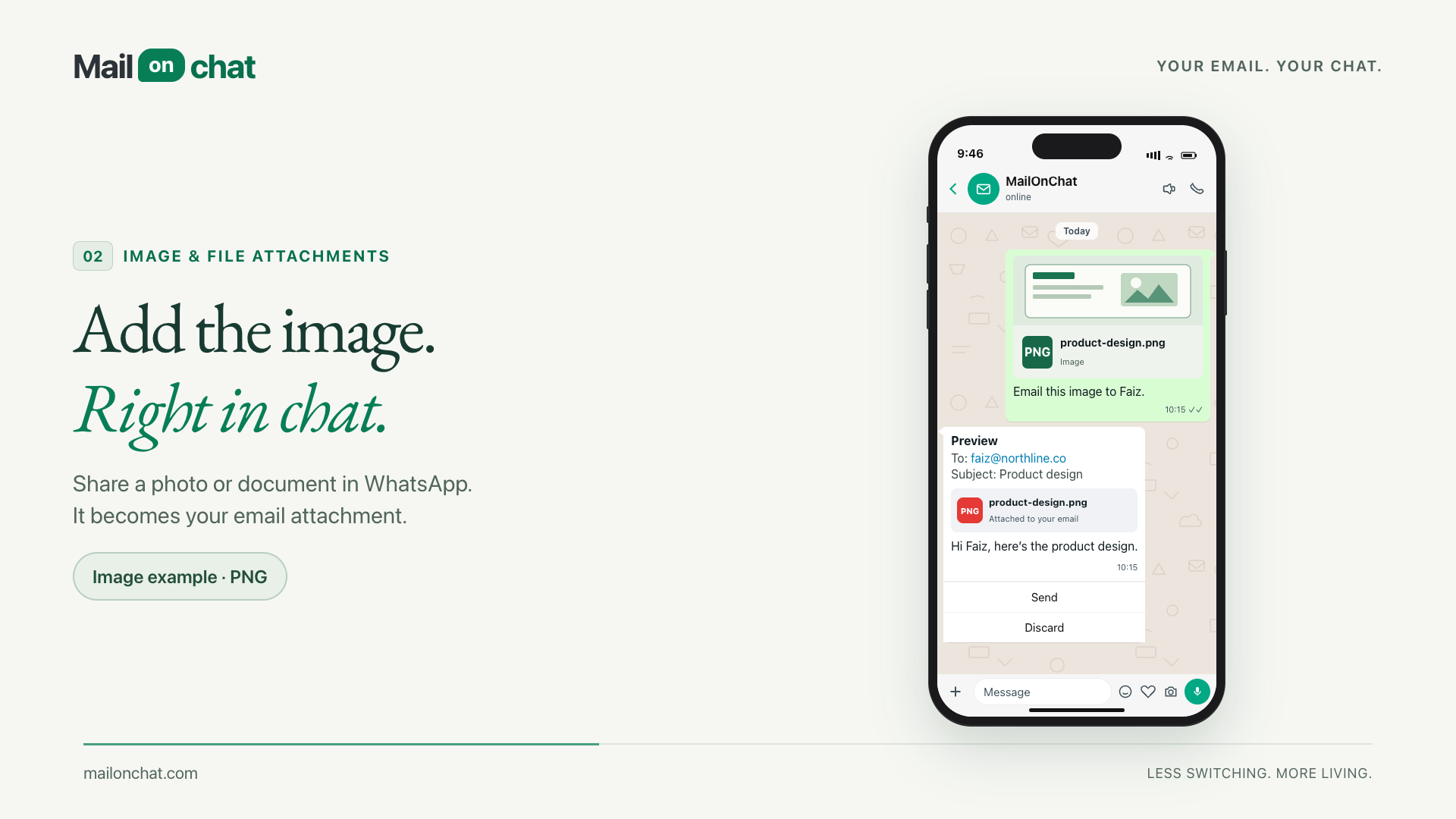
Type it or send a voice note: "show me my inbox", "write to faiz about the product design", "schedule 8pm". Drop in a photo or a PDF and it becomes the email's attachment.
- 3
Review, then send
Every email comes back as a preview with Send and Discard. Nothing leaves your mailbox until you tap Send, and only the newest preview can be sent.
What it does
Write it or say it
Type the request, or send a voice note and let it be transcribed. Spoken addresses land correctly too, so "faiz at northline dot co" becomes faiz@northline.co.
Review before send
Drafts come back as a preview with Send and Discard. Nothing is sent on your behalf, and an old preview can't be fired by accident.
Images and files
Share a photo or a document in the chat with a caption, and it goes out as the attachment on the email you just described.
Daily summary
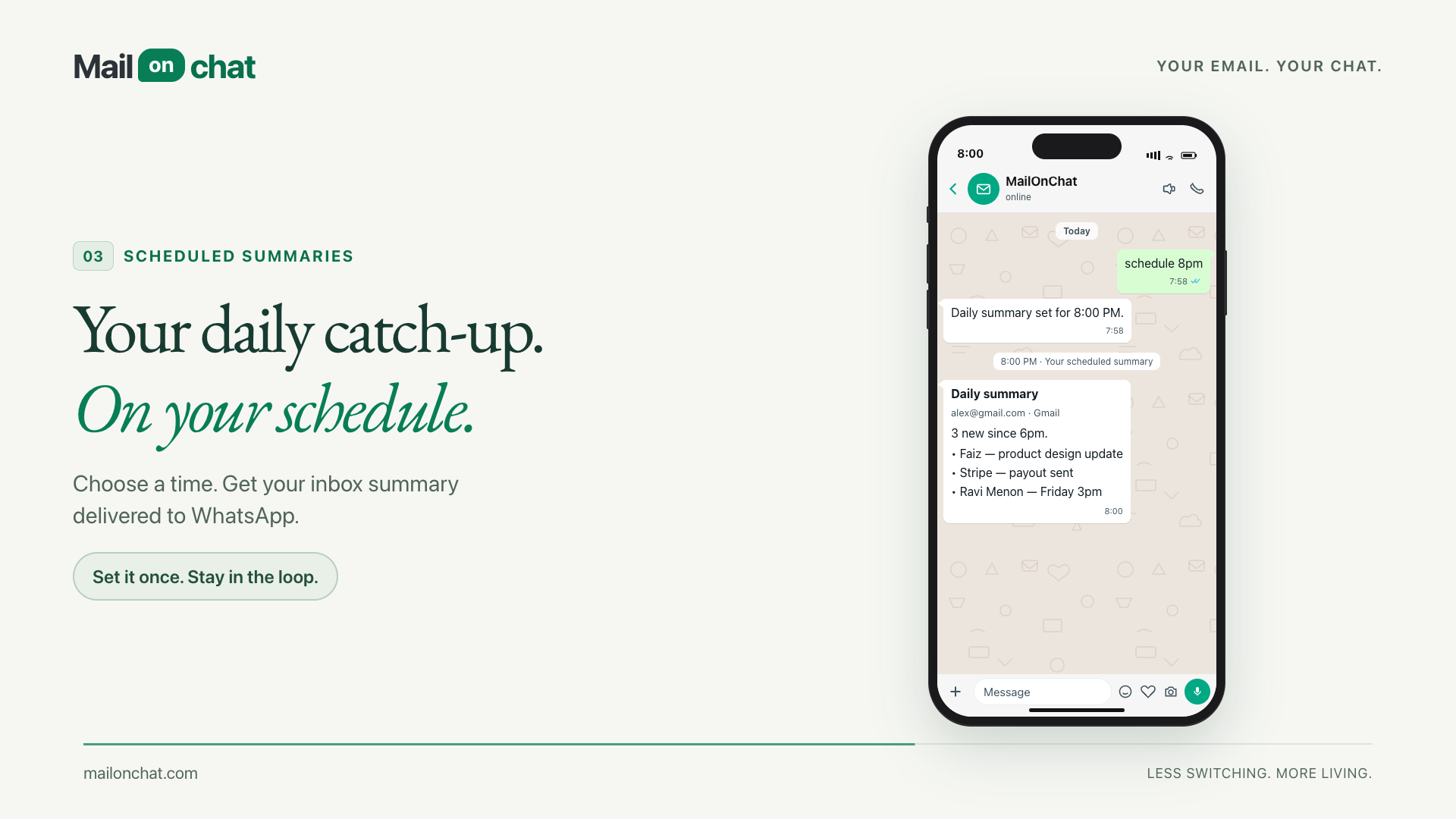
Say "schedule 8pm" and your inbox catch-up arrives at 8pm in your own timezone. Turn it off with a message.
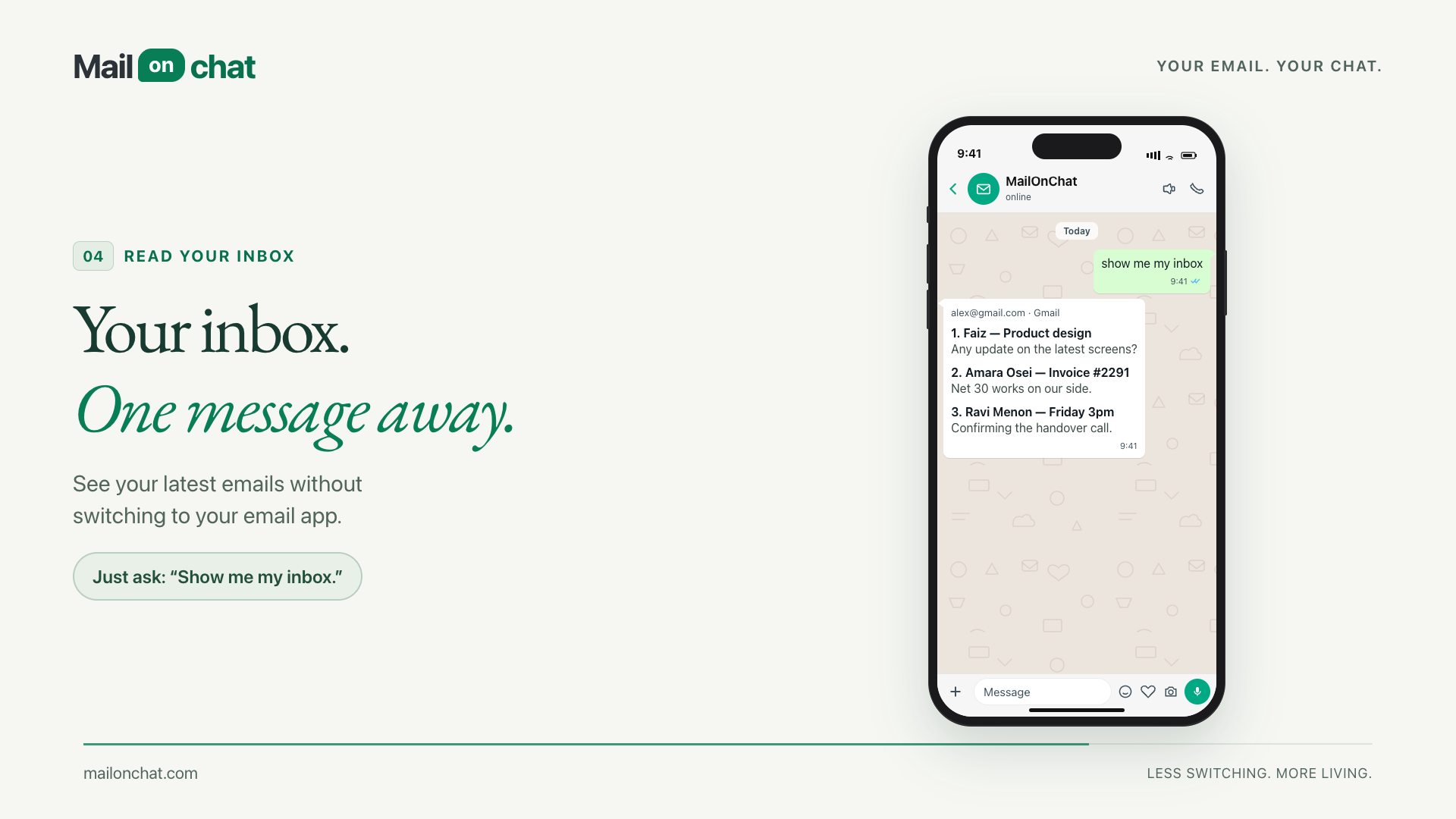
Inbox on demand
"Show me my inbox" returns your latest messages, numbered. Then "reply 2" answers the second one without you opening anything.
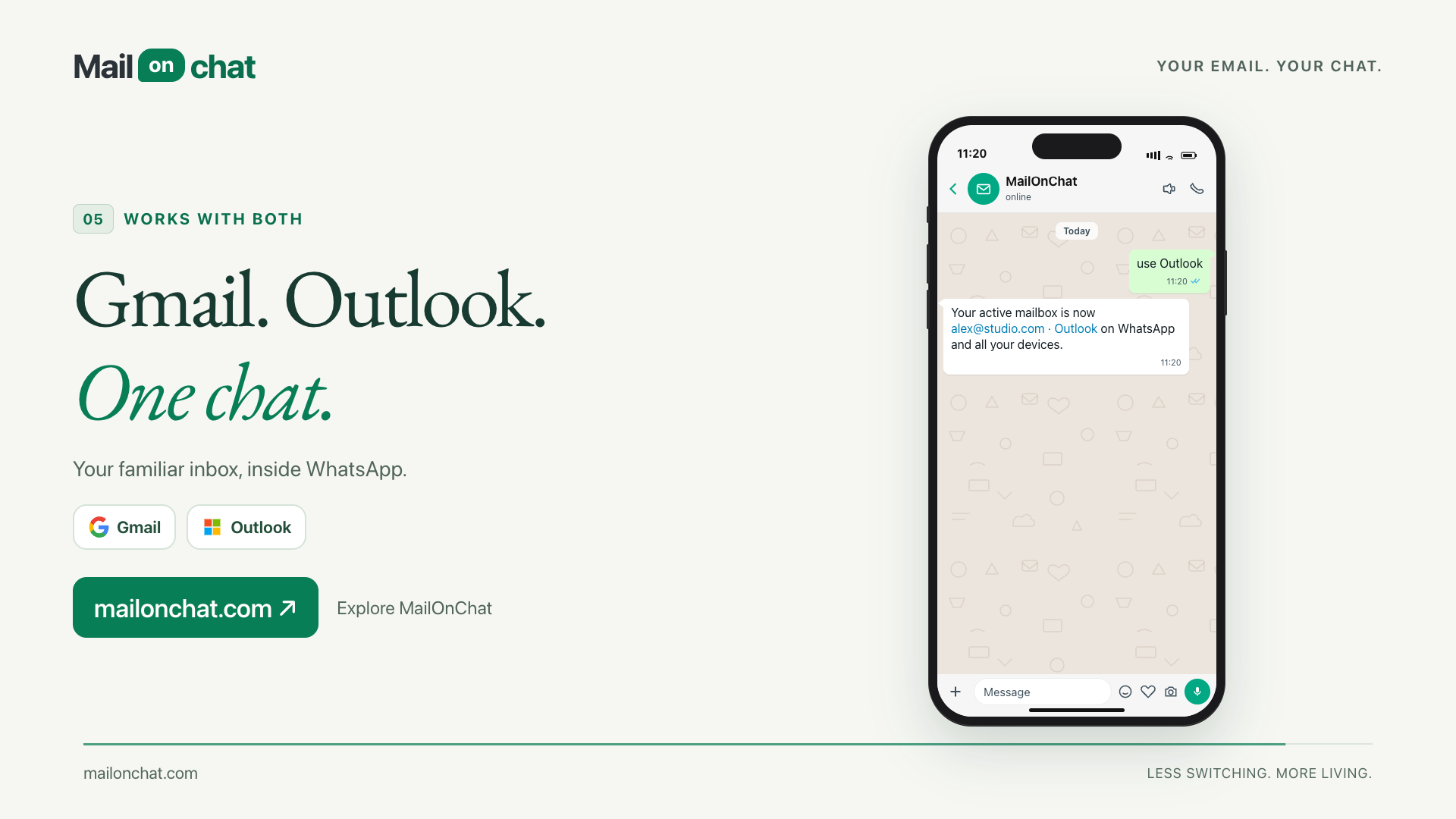
Gmail and Outlook
Connect both. A message switches which mailbox is active, mail sends from the one you picked, and a wrong switch can be undone.
Contacts that stick
Save a name against an address once, then write to the name. No retyping addresses into a phone keyboard.
Paired to you alone
Your number is locked to your account. Another number gets nothing, and media from an unpaired sender is never even downloaded.
- Commands it understands
- 7Commands it understands
- Mailboxes: Gmail, Outlook
- 2Mailboxes: Gmail, Outlook
- From preview to sent
- 1 tapFrom preview to sent
- New apps to install
- 0New apps to install
Common questions
The DMs are open
Send us a wave if you're ready to level up. Let's build something iconic.