01
Write it or say it
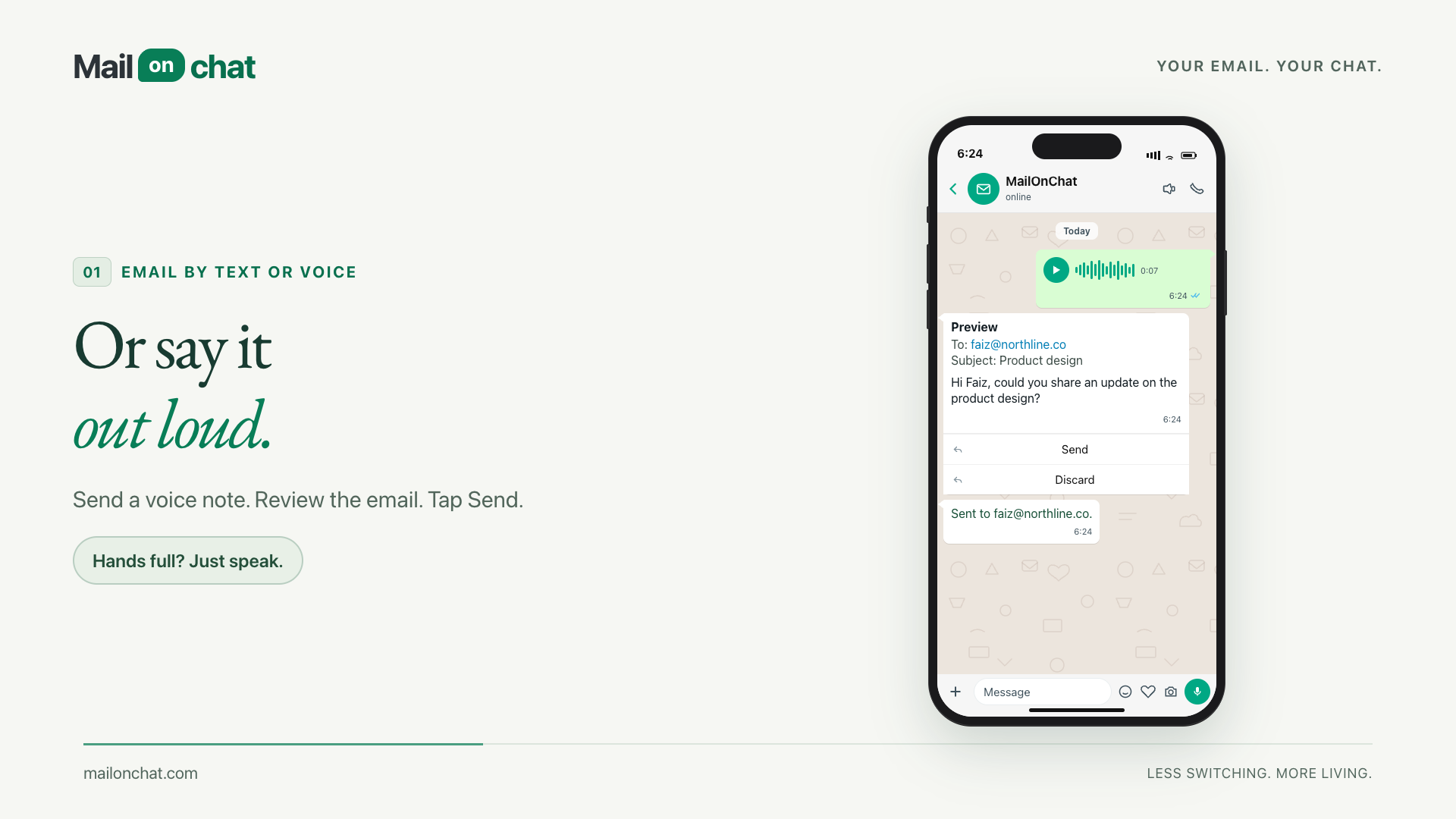
Type the request, or send a voice note and let it be transcribed. Spoken addresses land correctly too, so "faiz at northline dot co" becomes faiz@northline.co.
How MailOnChat connects WhatsApp to email, with a review step before a message leaves your mailbox.
Explore MailOnChat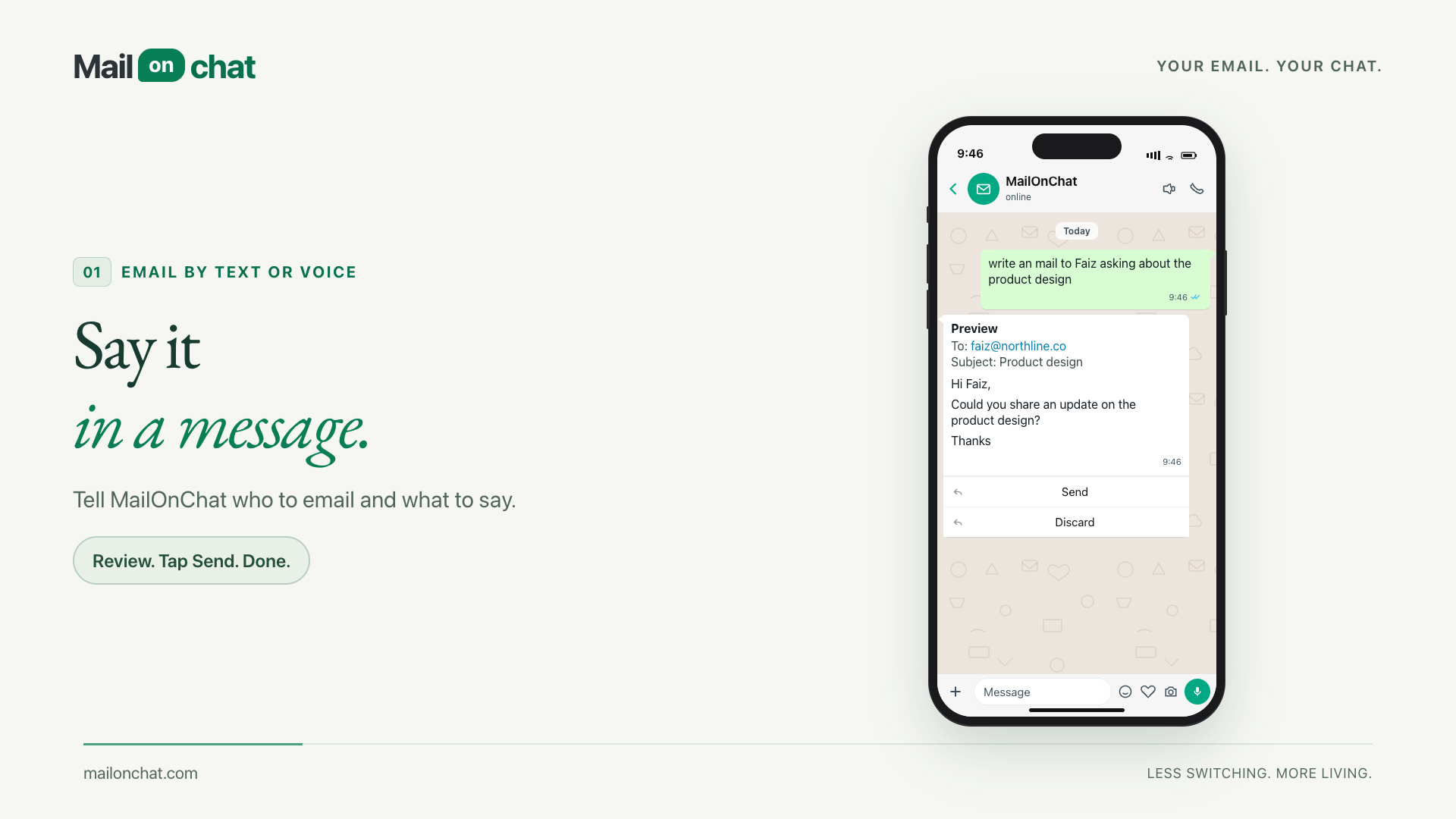
Reading an email, finding a contact and drafting a reply normally means switching out of the conversation you are already in. The challenge was to bring those actions into WhatsApp while keeping the sender in control.
Before
After
01
The user connects a supported mailbox and pairs their WhatsApp number to their account.
02
A chat request or transcribed voice note supplies the intent. The workflow prepares an email preview using the selected mailbox.
03
The user reviews the recipient and message before choosing Send or Discard. Only the newest preview can be sent.
04
Numbered inbox results support follow-up requests, and a scheduled summary offers another way to catch up.
Built into MailOnChat
From a quick voice note to an attachment or a scheduled catch-up, these are the everyday email tasks the product brings into WhatsApp.
01
Type the request, or send a voice note and let it be transcribed. Spoken addresses land correctly too, so "faiz at northline dot co" becomes faiz@northline.co.
02
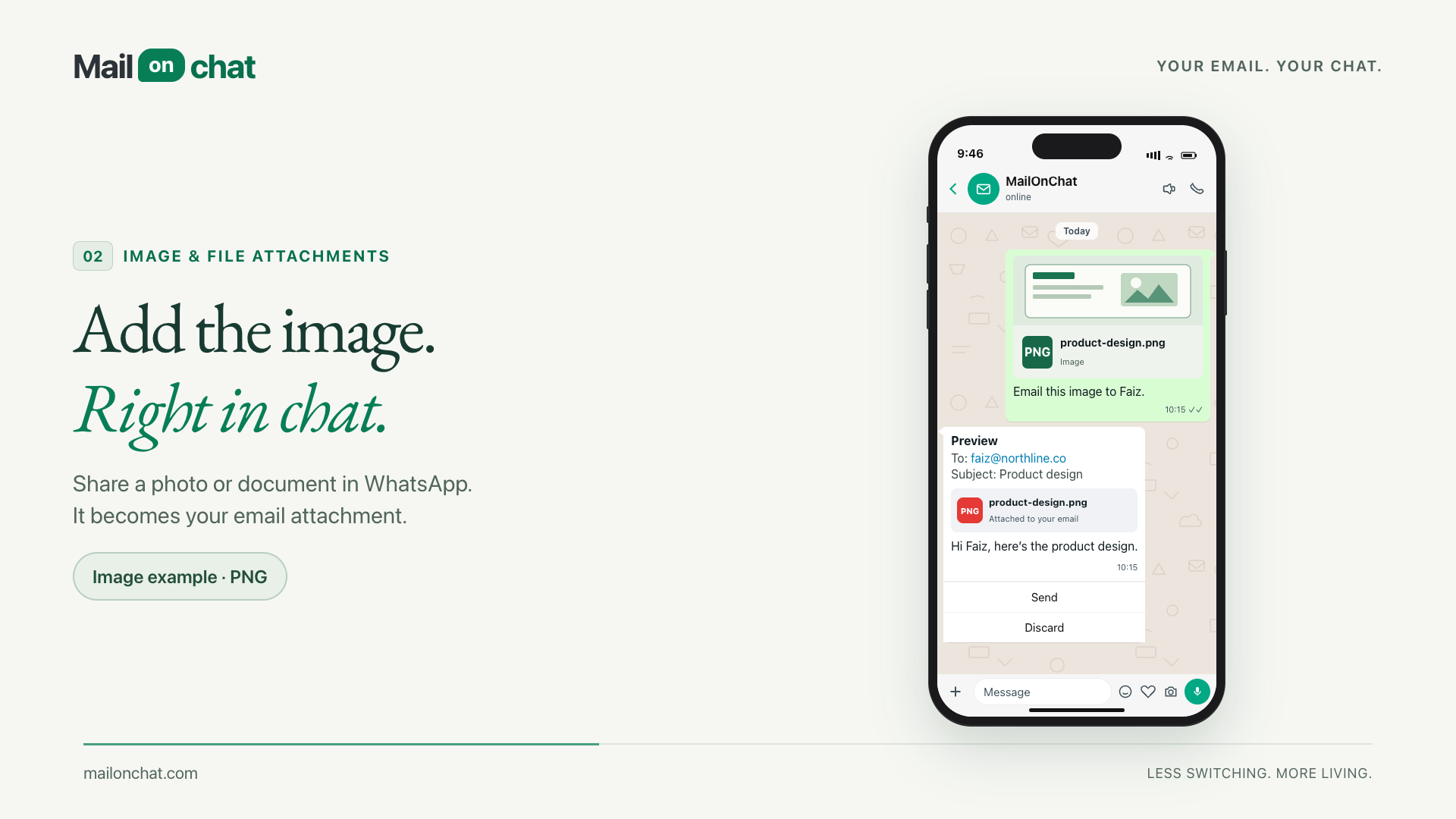
Drafts come back as a preview with Send and Discard. Nothing is sent on your behalf, and an old preview can't be fired by accident.
03
Share a photo or a document in the chat with a caption, and it goes out as the attachment on the email you just described.
04
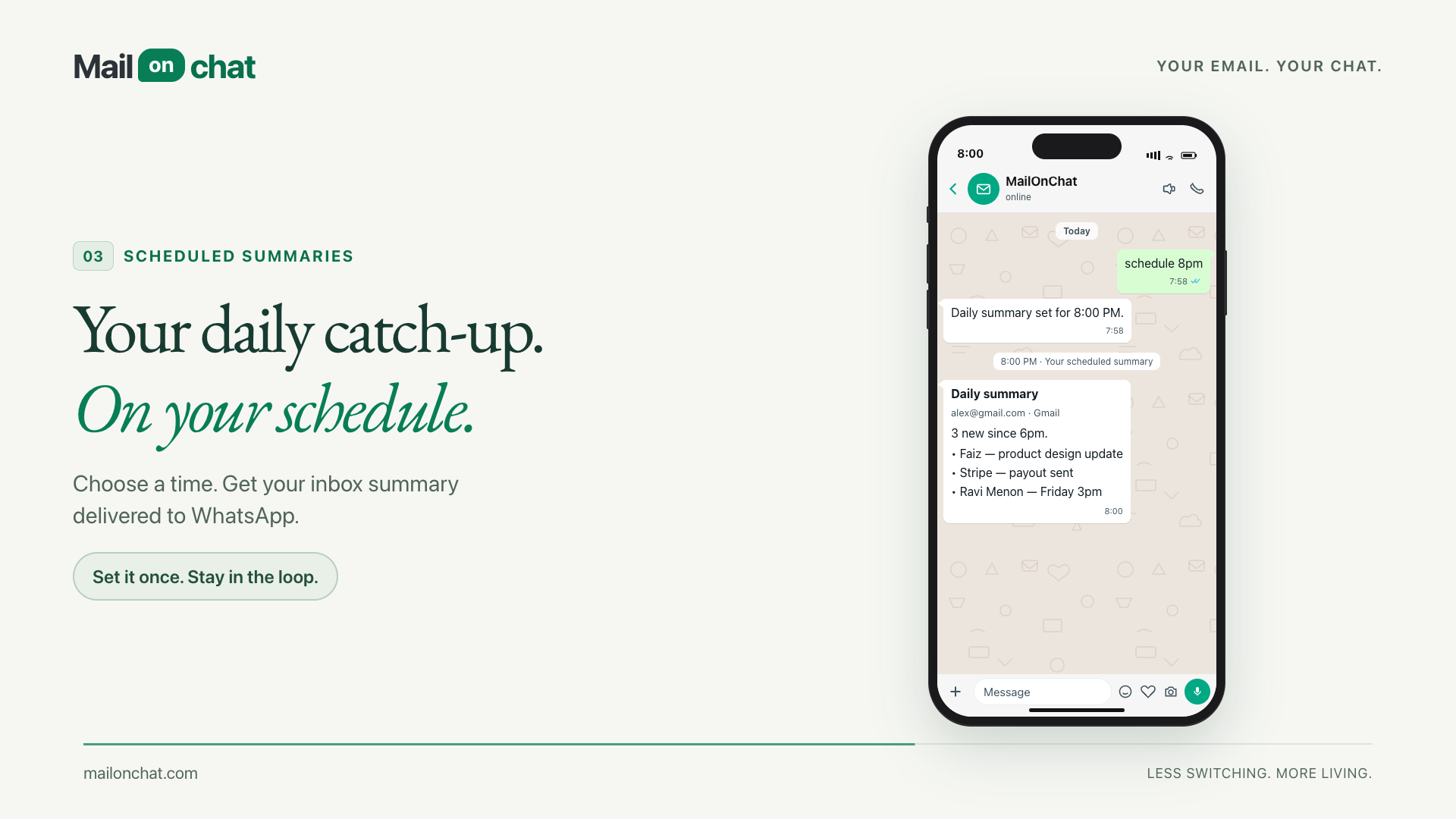
Say "schedule 8pm" and your inbox catch-up arrives at 8pm in your own timezone. Turn it off with a message.
05
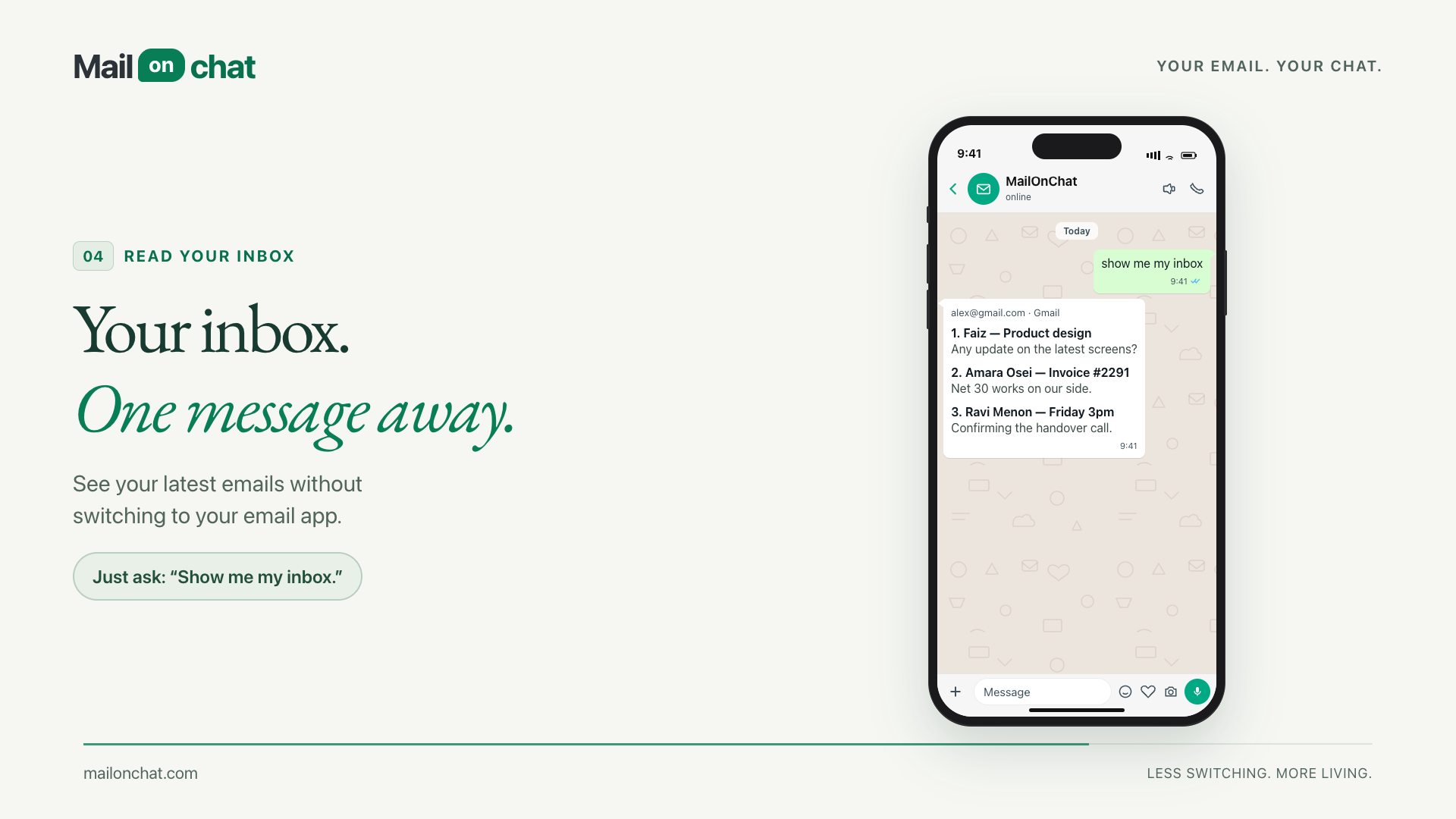
"Show me my inbox" returns your latest messages, numbered. Then "reply 2" answers the second one without you opening anything.
06
Frames from the MailOnChat product demo, showing how each request works in the chat. Select an image to see it full size.
Connected systems
The delivered product brings inbox reading, drafting and approval into one chat workflow. The handoff to sending remains an explicit user action.
Mailbox availability depends on the product's current rollout. See MailOnChat for access details.
Bring the repetitive task. We’ll help define the first useful build.
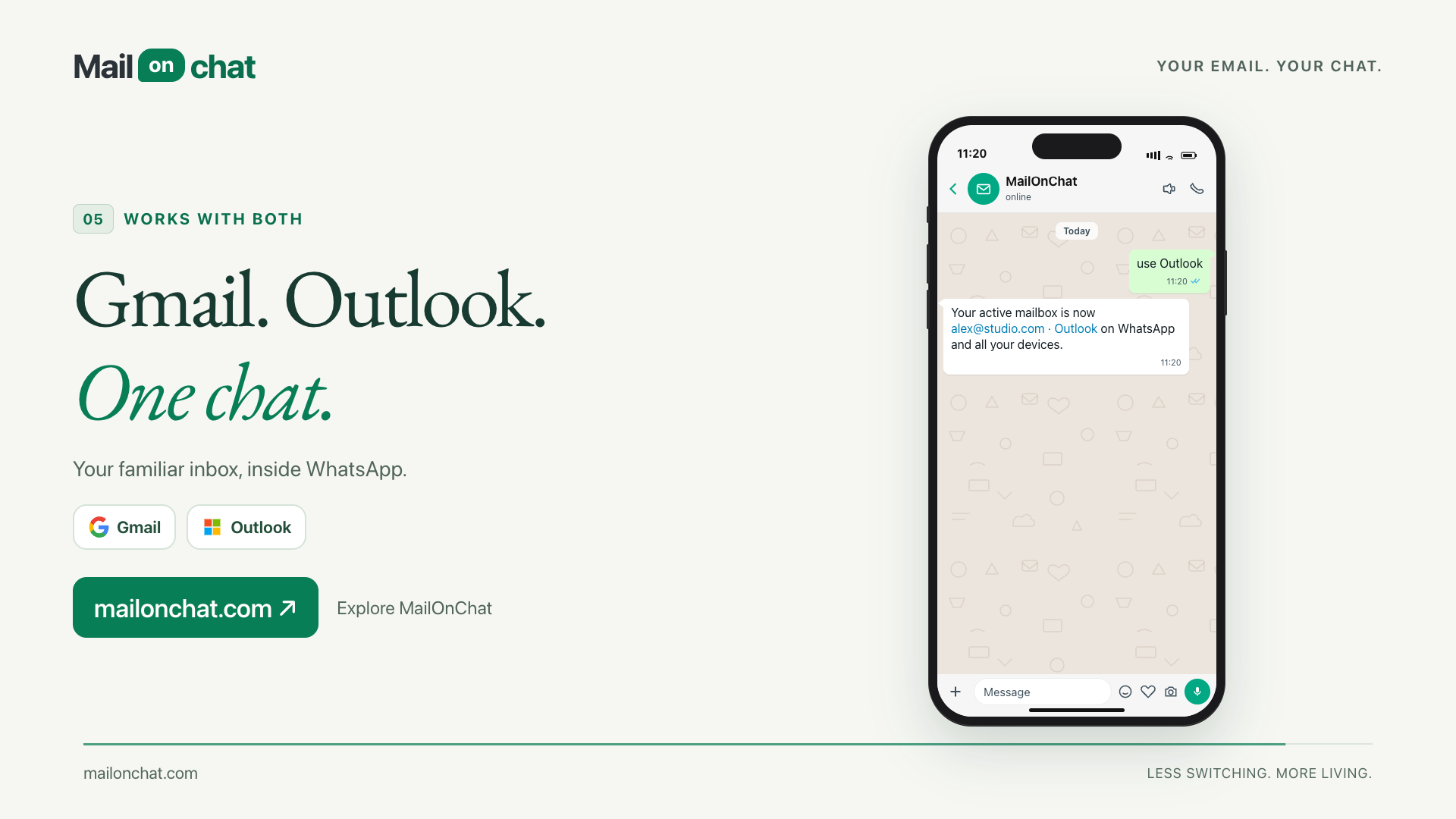
Discuss your workflowConnect both. A message switches which mailbox is active, mail sends from the one you picked, and a wrong switch can be undone.
07
Save a name against an address once, then write to the name. No retyping addresses into a phone keyboard.
08
Your number is locked to your account. Another number gets nothing, and media from an unpaired sender is never even downloaded.