Voice Search for Your Documents: Meet Krio
Krio is Kreatrs’ voice search for your documents. Ask by voice or text, get cited answers with grounding and latency — try the live demo.
You ask a straight question. Keyword search throws back a pile of files that happen to share a word. Chat tools give you a confident paragraph — and you have no idea whether anything behind it was real.
Krio is Kreatrs’ voice search for your documents. Ask by voice or text. It pulls passages that actually support an answer, then shows the citations, the grounding call, and how long each stage took. Status on the product page: Live. Try it at krio.kreatrs.com.
Keyword search misses the question
Anyone who has hunted through a big document set knows the gap. You type what you mean. The tool matches tokens. The thing you actually asked never quite shows up — or it shows up buried under ten near-misses you have to open one by one.
Chat-style answers have the opposite problem. They sound finished. They do not always show you the evidence — so a grounded reply and a guess look the same from the outside. You only find out later, when someone asks “where did that come from?” and you cannot point at a passage.
That is the problem the Krio product page names: keyword search misses the question; chat answers confidently whether or not supporting evidence was found. You cannot tell a real answer from a guess.
What Krio is
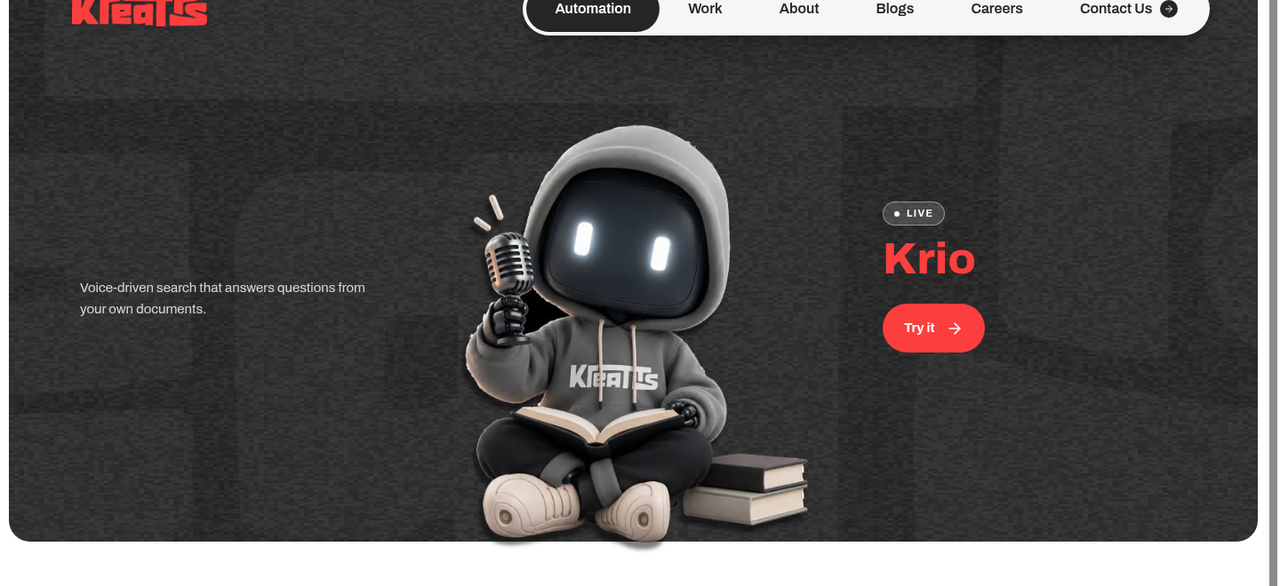
On kreatrs.com/products/krio, Krio is described as voice-driven search that answers questions from your own documents.
Not a black-box summary tool. Not “trust us, we found something.” The point is document Q&A with citations — and enough pipeline detail that you can judge what happened, not only the final sentence. If the run was grounded, you see that. If the timings look slow on a stage, you see that too.
The live demo is at krio.kreatrs.com. Same idea: ask, retrieve, show the receipts. The product page says the demo is indexed over a large evidence set (currently ~92k passages); the same retrieval pipeline adapts to a client’s own document set. That size figure is a product-page claim — useful context for the demo, not a promise about your corpus.
How it works
Three steps on the product page. Plain reading of each:
1. Ask by voice or text
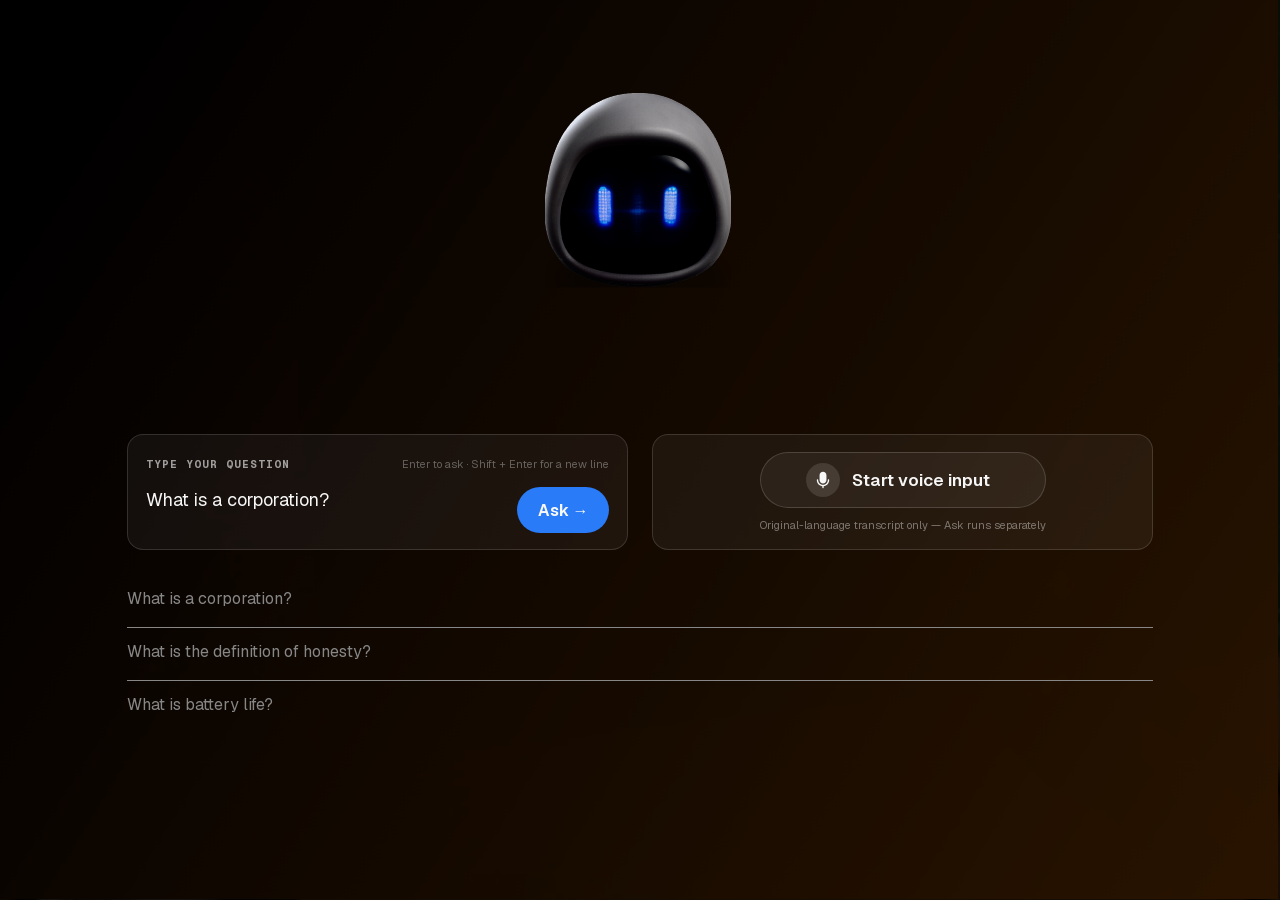
Type a question or speak it. Transcript and answer are separate steps — you are not stuck waiting on a mic recording to become a finished reply in one opaque blob. On the live UI that split is explicit: record or type first, then ask.
2. Krio retrieves evidence
It searches the indexed document set for passages that actually support an answer, not just keyword matches. The goal is evidence that backs a reply, not a ranked list of files that happen to share a word.
3. You see the receipts
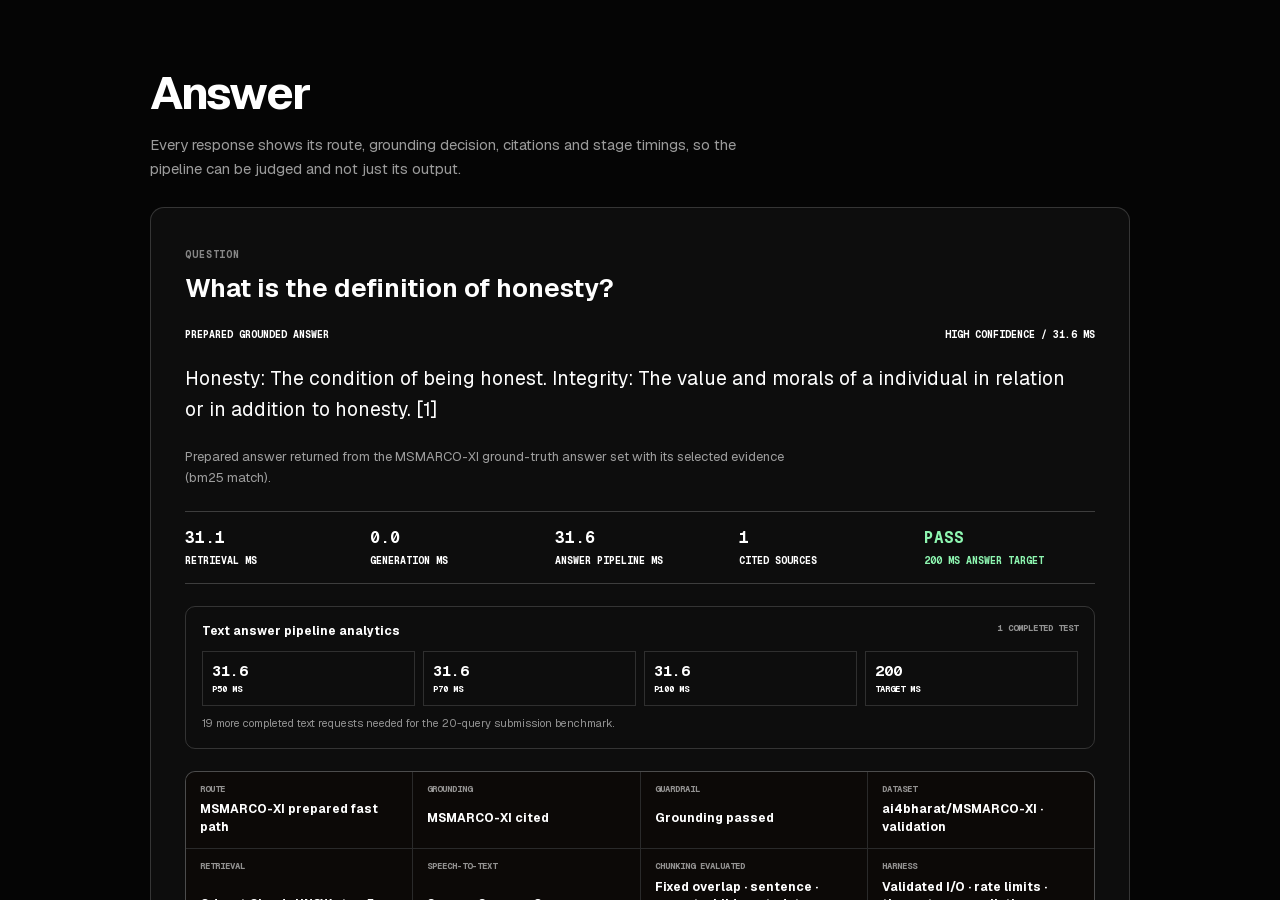
Every answer ships with its citations, the grounding decision, and a stage-by-stage latency breakdown. That is the product’s honesty pitch in one line: judge the pipeline on what it did.
What you get
Feature list from the product page — no extras invented:
- Cited answers — every response links back to the evidence it was built from, not a black-box summary.
- Grounding transparency — Krio shows whether an answer was actually grounded in the retrieved evidence or not.
- Latency reporting — stage timings are shown honestly rather than hidden behind a spinner.
- Voice or text — ask however is faster in the moment. Both route through the same retrieval pipeline.
On the live product, that shows up as route, grounding decision, cited sources, and stage timings next to the answer — so you can see what the pipeline did, not only what it said.
Who it is for
People who need answers from a real document set and care whether those answers are grounded — teams drowning in manuals, policies, research dumps, support knowledge, the usual pile. Also anyone who has been burned by a fluent wrong answer and would rather see the passage (or see that nothing useful was retrieved) before acting on it.
If you want a chat box that never shows its work, that is a different product. If you want voice search for your documents with citations you can check — and timings you can actually read — Krio is built for that.
Full detail stays on the Krio product page and at krio.kreatrs.com.
Getting started
- Open the live product at krio.kreatrs.com, or the overview on kreatrs.com/products/krio.
- Ask something by text or voice. Look at the citations, grounding, and latency on the answer.
- Questions: info@kreatrs.com or the contact page.
FAQ
What is Krio?
Krio is voice-driven search from Kreatrs that answers questions from your own documents. Ask by voice or text; answers come with citations, a grounding decision, and stage latency.
Is Krio live?
Yes. Status on kreatrs.com/products/krio is Live. The product site is krio.kreatrs.com.
What can Krio search?
Per the product FAQ: the live demo is indexed over a large evidence set (the product page says currently ~92k passages); the same retrieval pipeline adapts to a client’s own document set.
Why does it show citations and timings?
So the pipeline can be judged on what it actually did, not just trusted on its output. That is the product-page FAQ answer, not a marketing flourish.
Can I ask by voice or only by text?
Both. Voice or text route through the same retrieval pipeline. On the live UI, transcript and ask are separate steps.
Does every answer come with evidence?
Cited answers and grounding transparency are core features on the product page. The live answer view shows citations, the grounding decision, and stage timings so you can see whether that run was grounded.
Want voice search for your documents with citations you can check? Krio is live. Try it at krio.kreatrs.com, or read the overview on the Krio product page. Questions: info@kreatrs.com.

Kreatrs Editorial
Kreatrs Media Team
Read more articles by Kreatrs Editorial on Kreatrs.
Related Blogs
Customer Onboarding Automation: From Signed Deal to Kickoff
Sep 28, 2026
Build a customer onboarding workflow that connects your CRM, intake forms and project tools, with clear ownership, reminders and a reliable kickoff handoff.
Automation Monitoring: Catch Failures and Recover Without Duplicates
Sep 28, 2026
Build reliable automation with useful alerts, safe retries, duplicate prevention and a clear recovery process when connected business systems fail.
AI Document Processing: Turn PDFs and Emails into Checked Records
Sep 28, 2026
Learn how to turn PDFs and email attachments into checked business records using AI extraction, field validation, human review and reliable system updates.